4x6 Shipping Label Printer with Paper Roll Compartment USPS/FedEx/UPS Barcode Label 4 Inch Express Label Thermal Printer
4x6 Label Printer / EU
Sale price
€109,15
Regular price
€163,73
Skip to product information


4x6 Shipping Label Printer with Paper Roll Compartment USPS/FedEx/UPS Barcode Label 4 Inch Express Label Thermal Printer
Sale price
€109,15
Regular price
€163,73
SPECIFICATIONS
After-sale Service: Shop's Three Guarantees
Battery Included: no
Black Print Speed: 8dot/mm
Brand Name: NETUM
Certification: CE,FCC,RoHS
Choice: yes
Consumable Type: Label Paper
Control Method: App
Double-sided Printing: No
Function: PRINT
High-concerned chemical: none
Interface Type: USB
Internal Memory: None
Max Paper Size: 110mm
Max. Resolution: 203dpi
Model Number: T40
NETUM Model: T40
Network Function: Do not support
Origin: Mainland China
Output Type: black and white
Paper Feed Mode: Roll Feed
Print Speed: 16ppm
Signal Connection Type: Bluetooth
Supports Network Printing: No
Type: Thermal Printer
Voltage: Below 50V AC / 75V DC
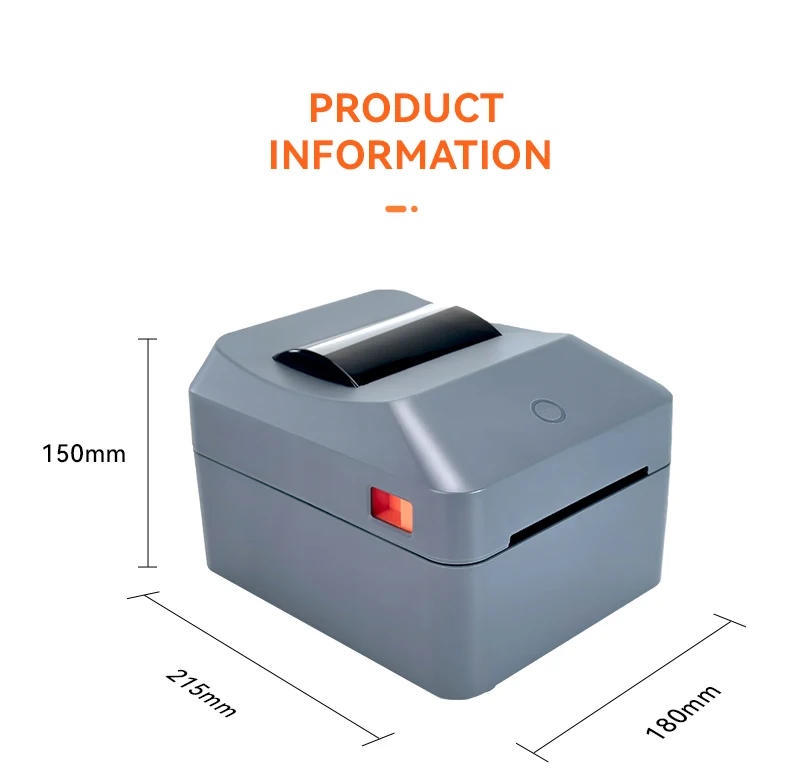
Weight: 1.8kg
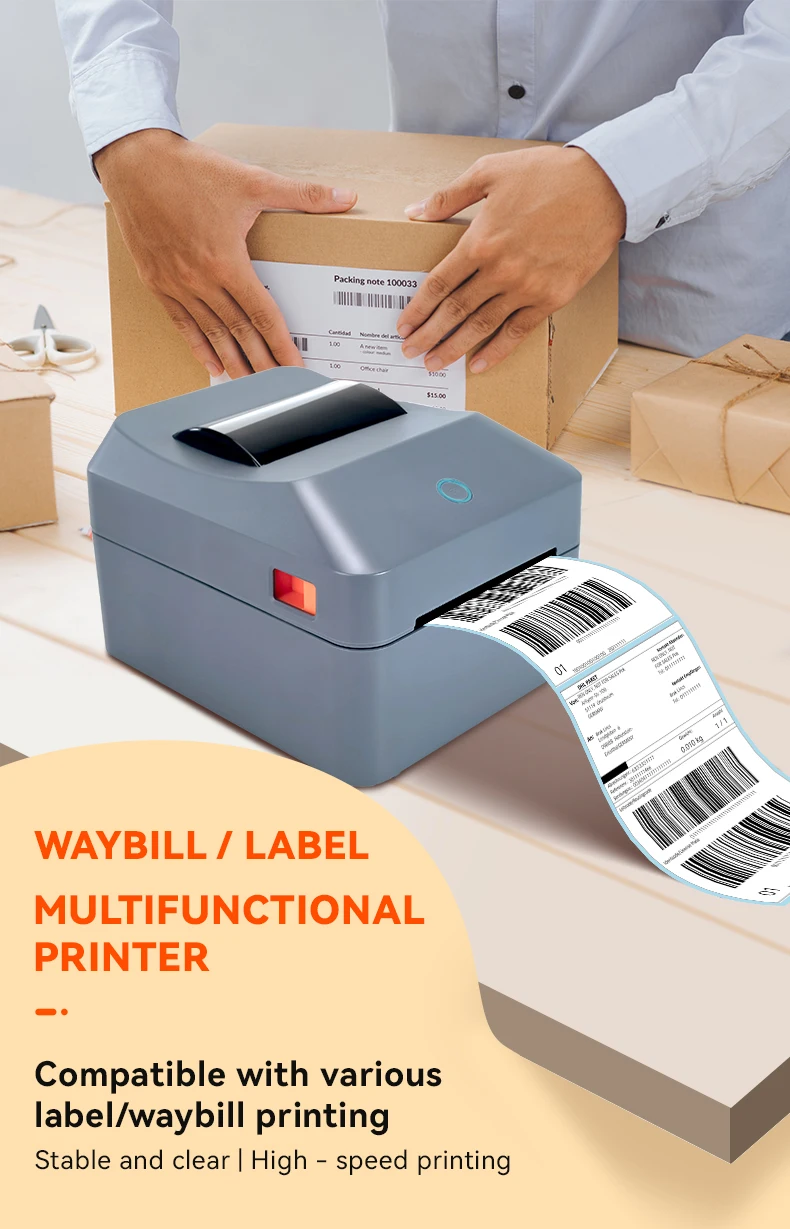
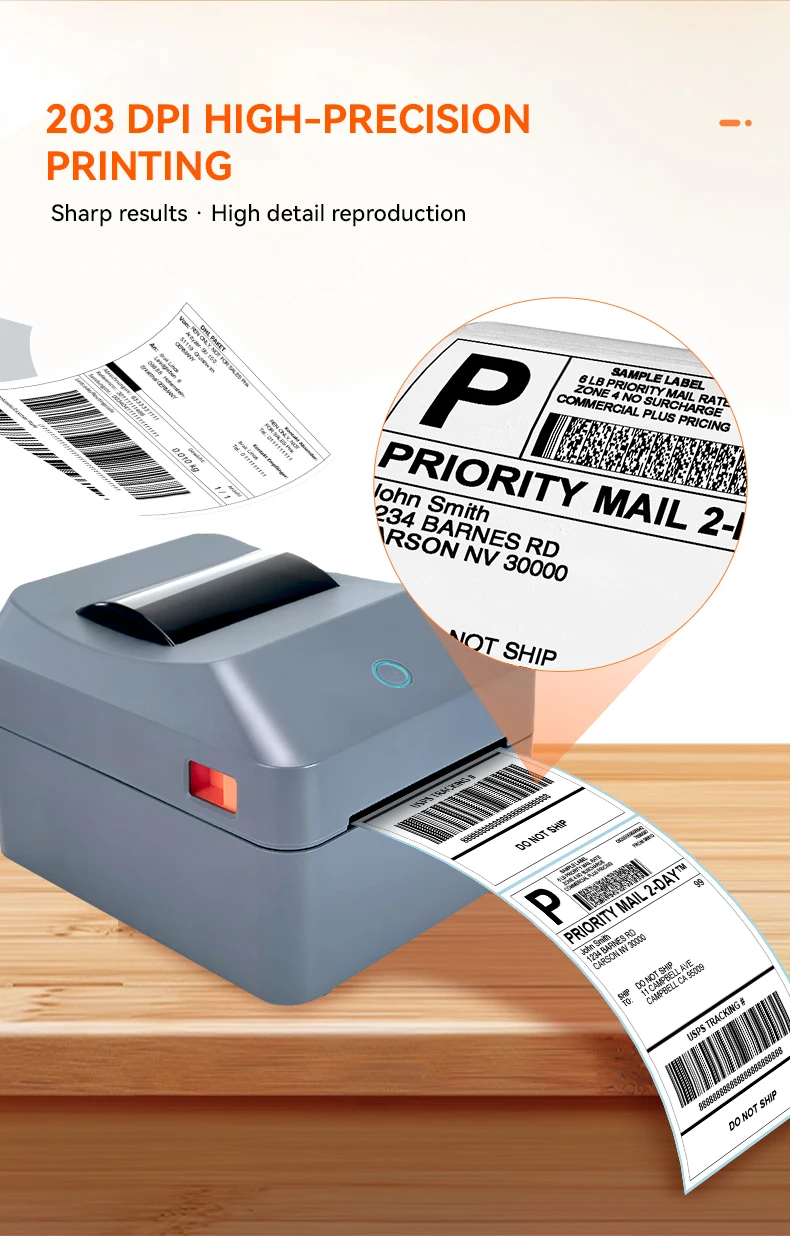
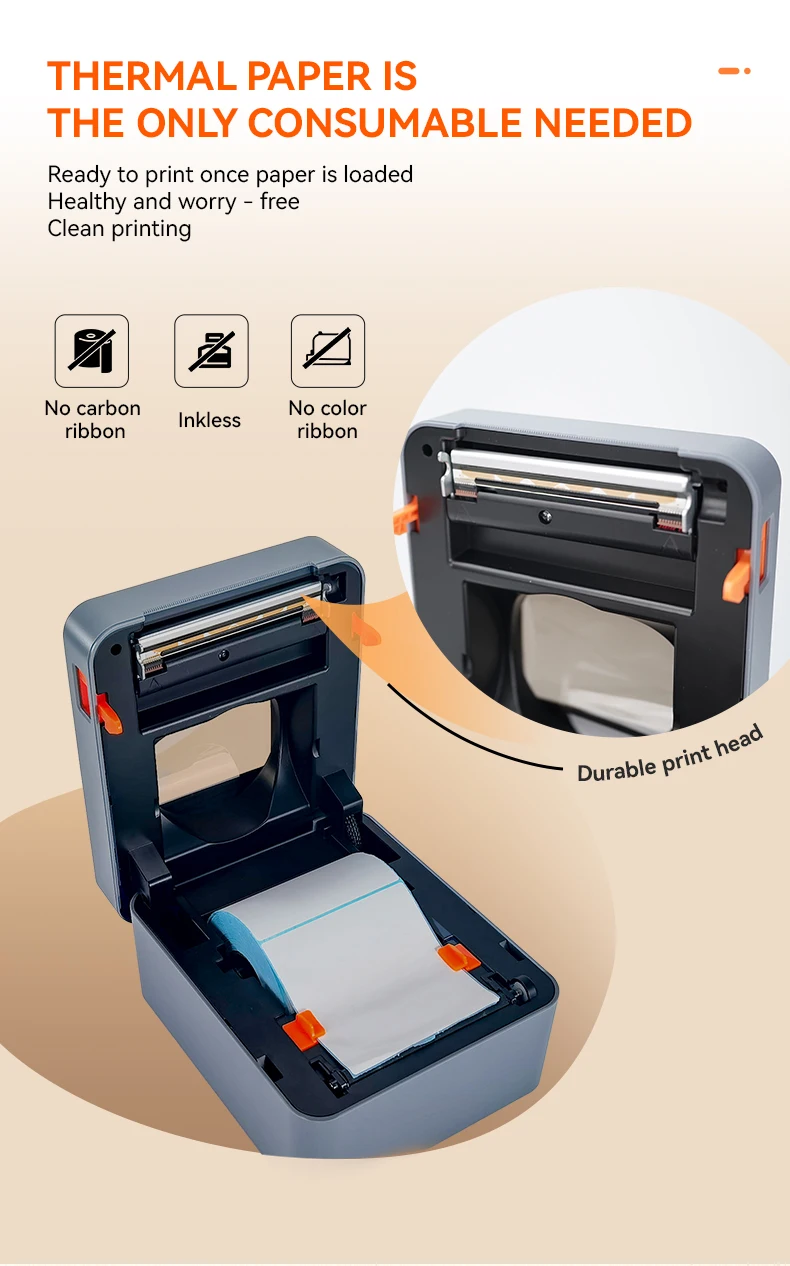
T40 Thermal Label Printer–203 DPI resolution, No Ink, Supporting Android/Mac/iOS//Windows System。
Compact Design with Paper Roll Compartment
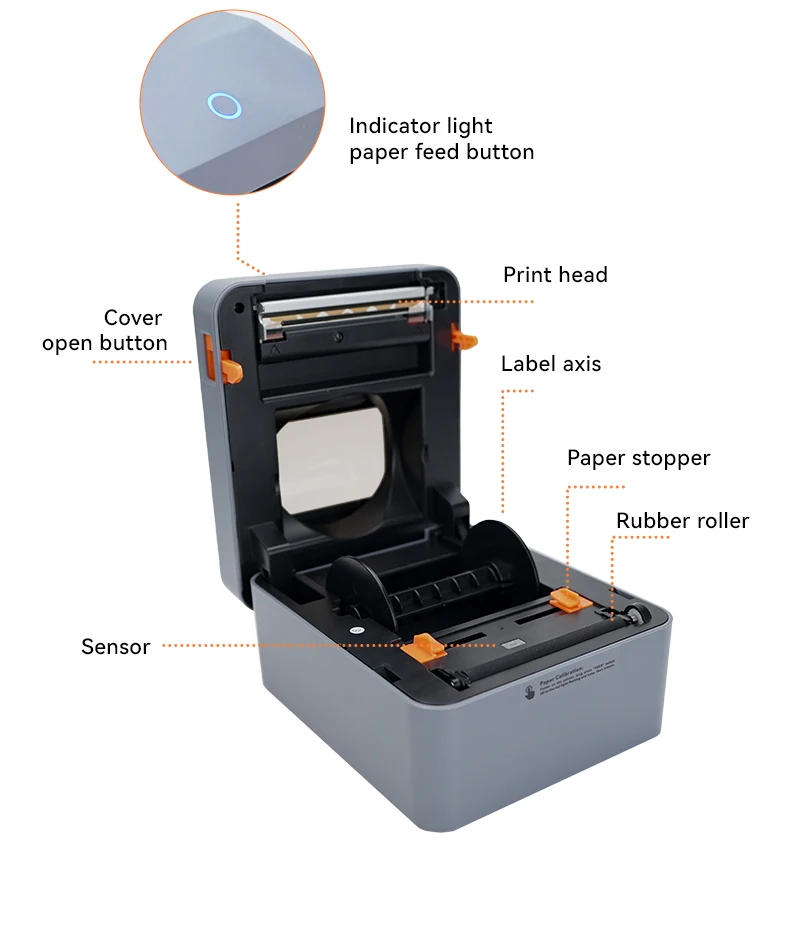
Our compact printer features a dedicated paper roll compartment, ensuring smooth paper feed and easy label printing.
Efficient Print Speed
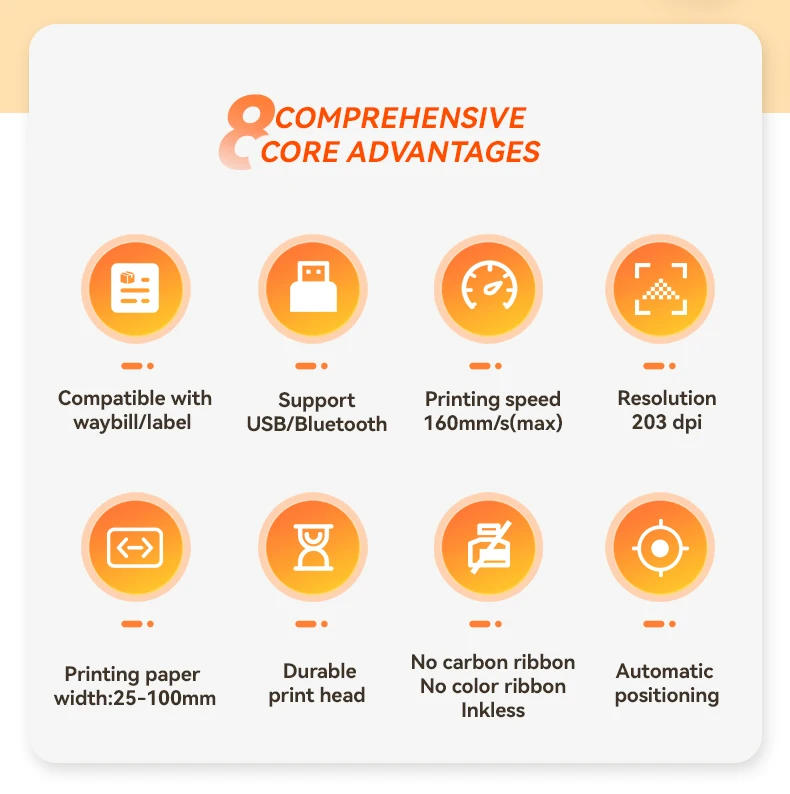
Boost your productivity with a print speed of 16ppm, perfect for handling multiple labels quickly and efficiently.
High Compatibility
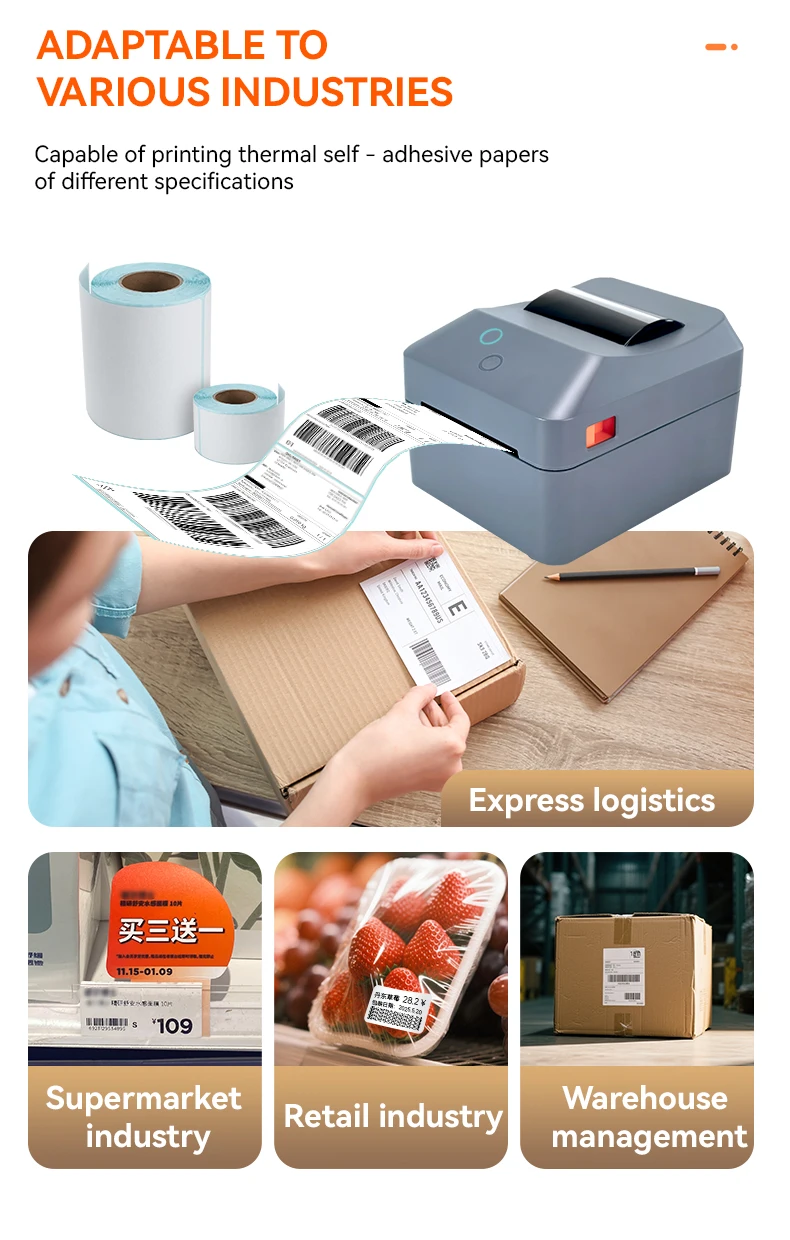
Designed for versatility, this printer supports USPS/FedEx/UPS barcode labels, making it ideal for various shipping needs.
Q1: Which power plugs are included?
A: We supply EU plug and US plug versions with this printer. Other plug types (e.g. UK, AU) are not included at this time.
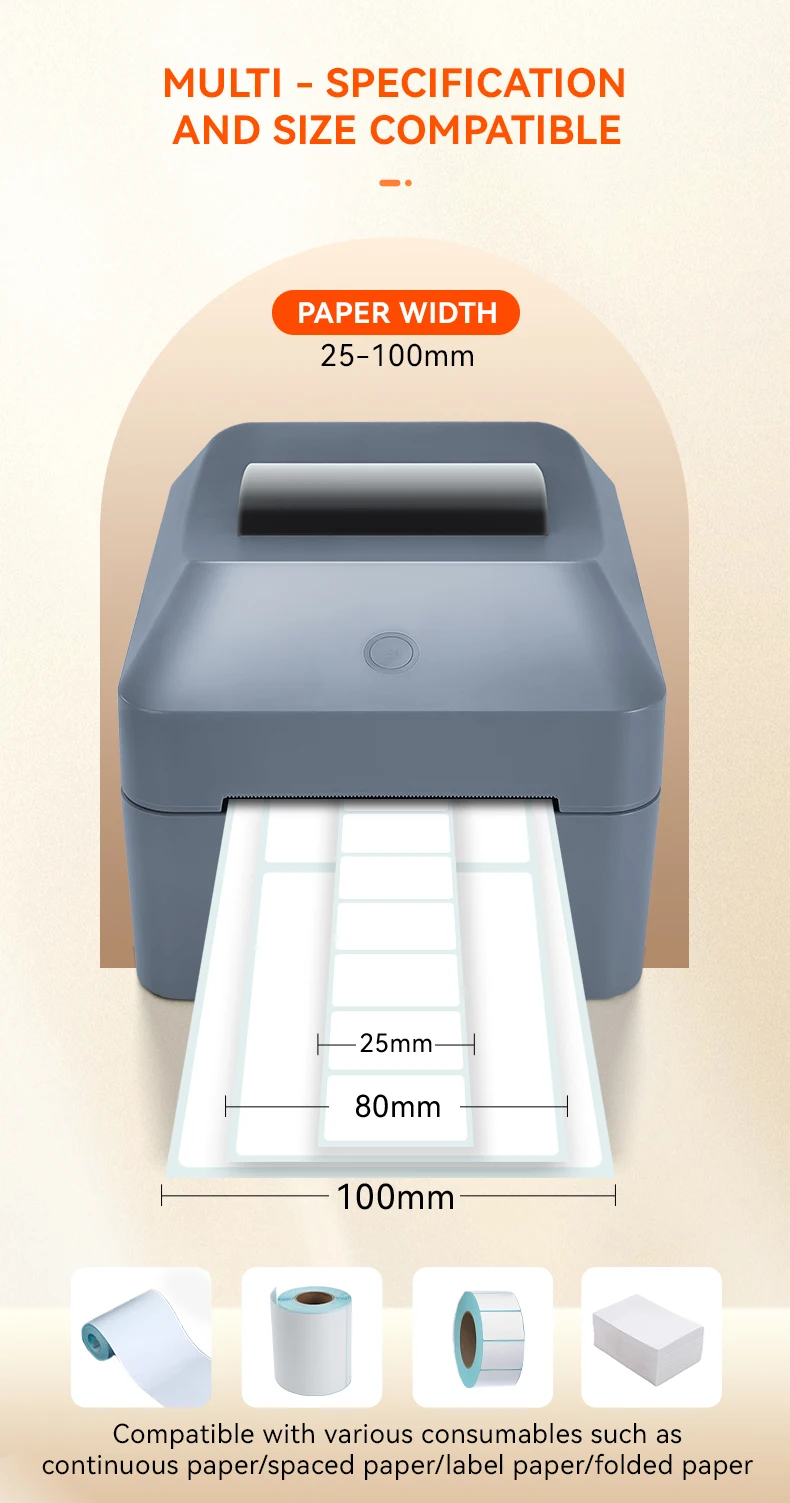
Q2: What size label paper does the printer support?
A:Supports label widths from 1.18" to 4" (30–100mm), perfect for 4x6 shipping labels.
Q3: Can this printer print in color?
A: No. The printer only supports black and white printing
Q4: The printer is making a beeping/alert noise. Is it broken?
A: No. The beeping sound is a warning alert that occurs when the paper roll is running out or missing. Please load new label paper and the noise will stop.
Q5: My device cannot detect the printer. How to fix it?
A: Please download and install the correct printer driver first. The driver download link is provided in the user manual.
Q6: The printed content is incomplete / cut off. Why?
A: Please check whether the label paper size matches the print template size in your software. If the paper size and template size are different, the content may be missing or cut off. Please ensure they are the same size.
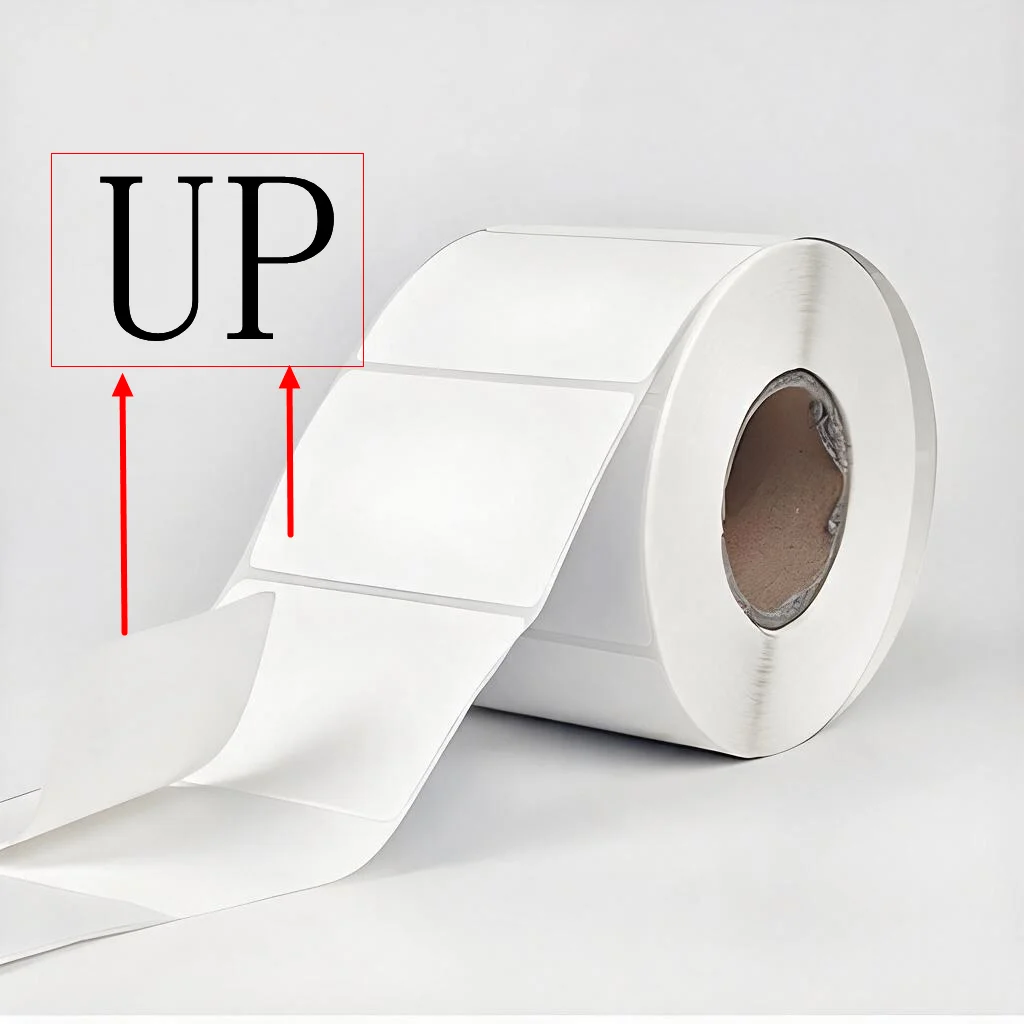
Q7: I loaded the paper but nothing prints out. What's wrong?
A: Please check whether the label paper is loaded with the printable/tearable side facing UP. If the paper is placed upside down, nothing will print. Please reload with the correct side facing up.
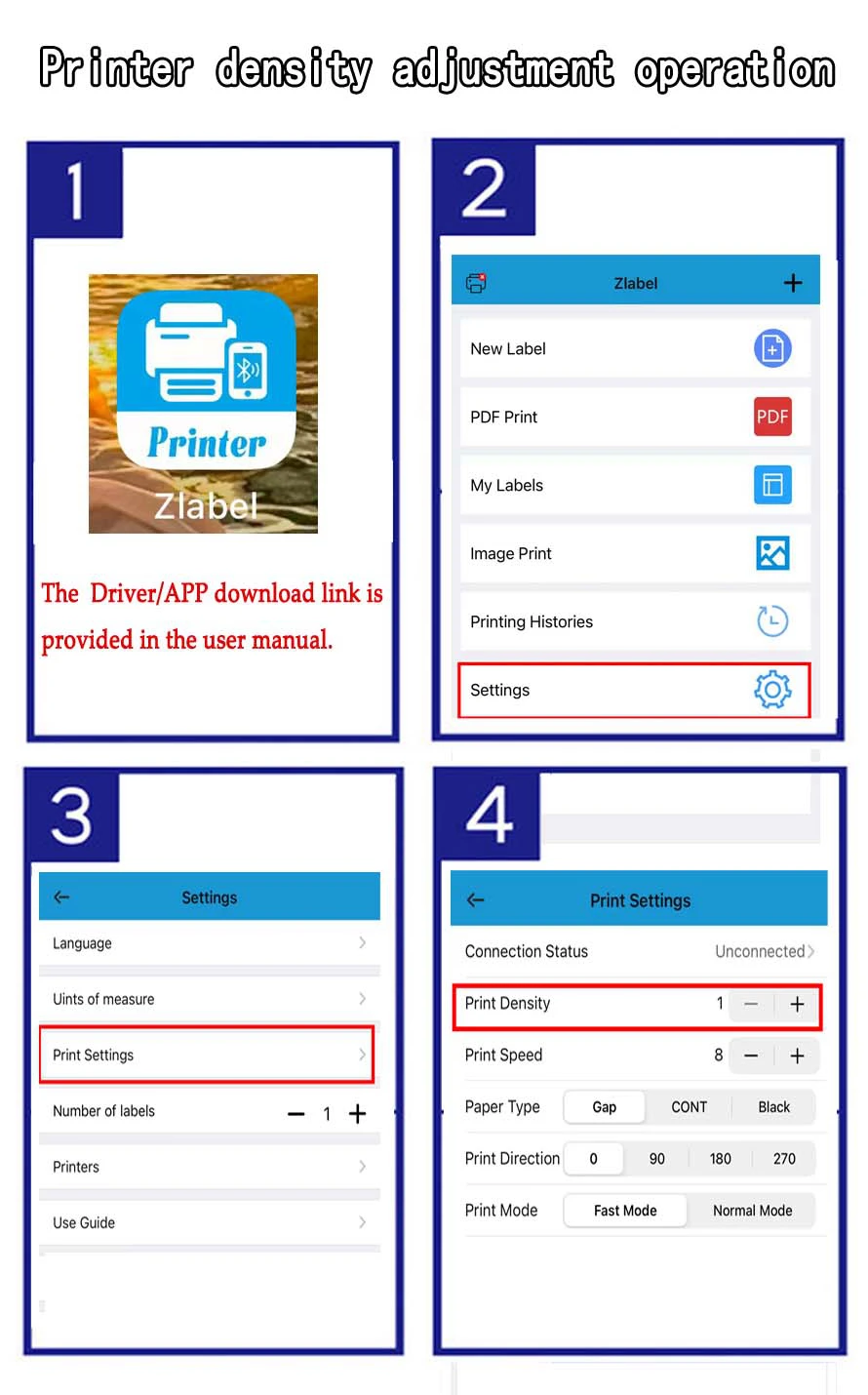
Q8: The print quality is not clear / blurry. What should I do?
A: Please adjust the print density/contrast in the Driver/APP. The Driver/APPdownload link is provided in the user manual.