

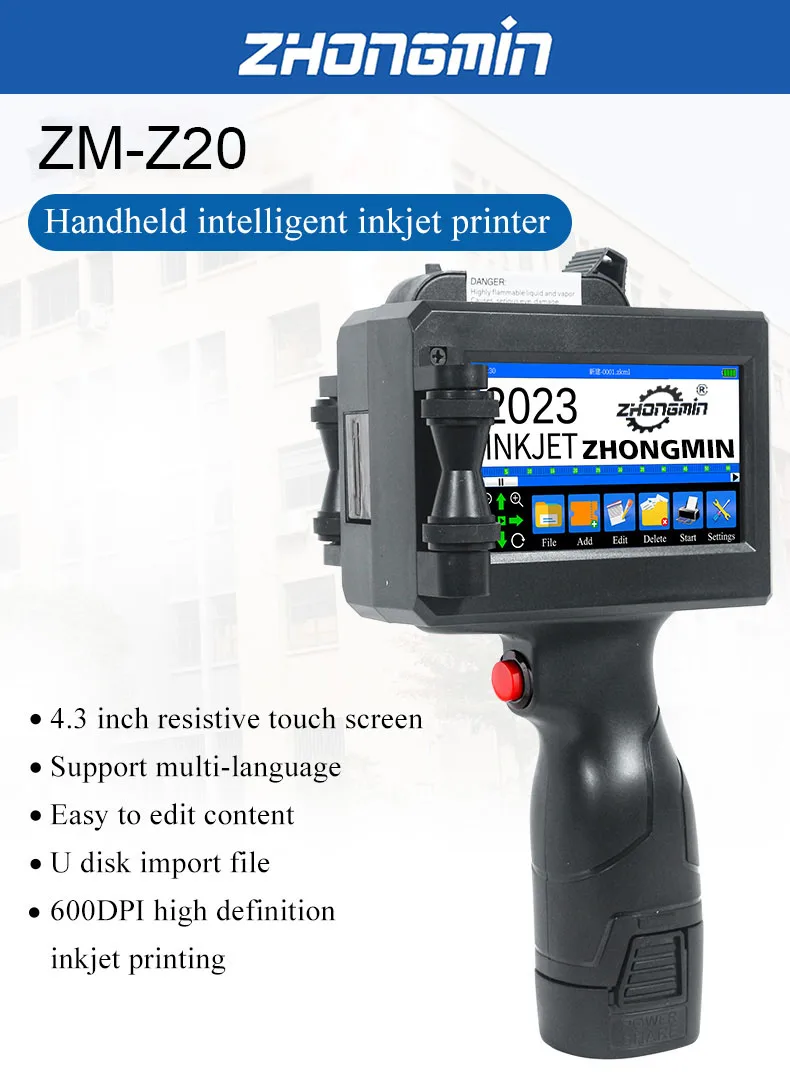
ZM-Z20 25.4mm Handheld Inkjet Printer for Text QR Barcode Batch Number Logo Date Label Coding Machine Portable Mini Printer
with 1 ink / 100-240V / AU Plug
Sale price
€286,93
Regular price
€430,40
Skip to product information


ZM-Z20 25.4mm Handheld Inkjet Printer for Text QR Barcode Batch Number Logo Date Label Coding Machine Portable Mini Printer
Sale price
€286,93
Regular price
€430,40
SPECIFICATIONS
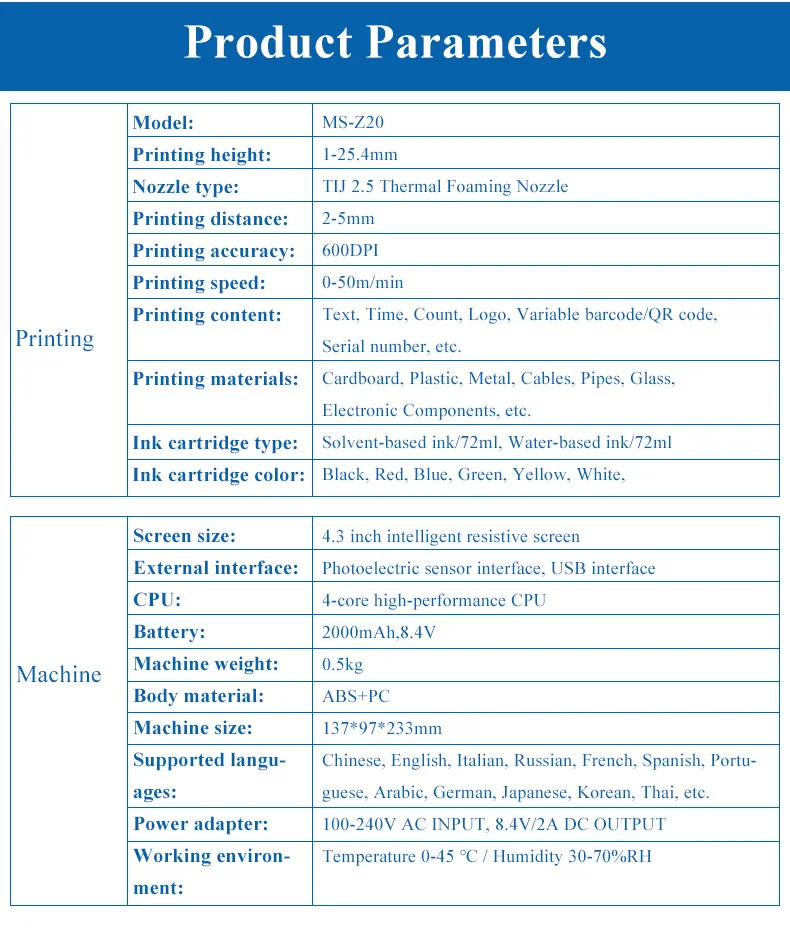
Battery: 2000mAh,8.4V
Body material: ABS+PC
Brand Name: ZHONGMIN
CPU: 4-core high-performance CPU
Choice: yes
Dimensions: 137x97x233mm
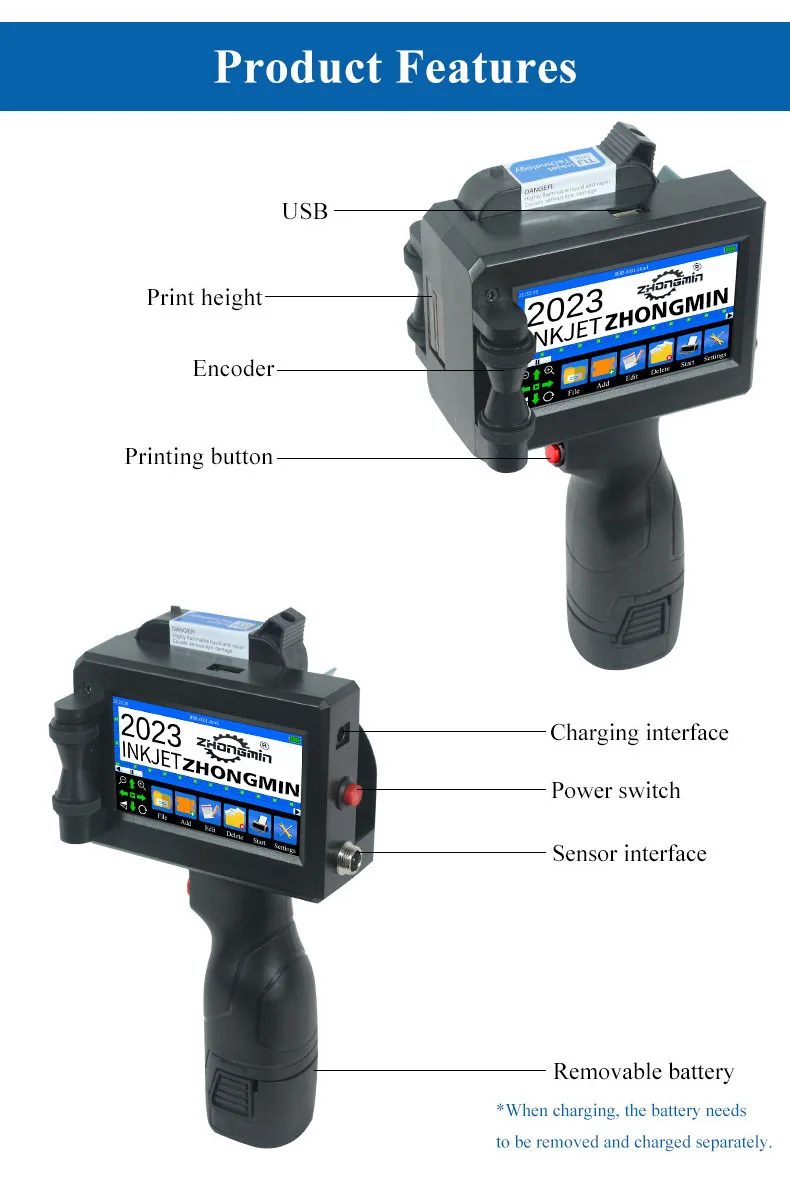
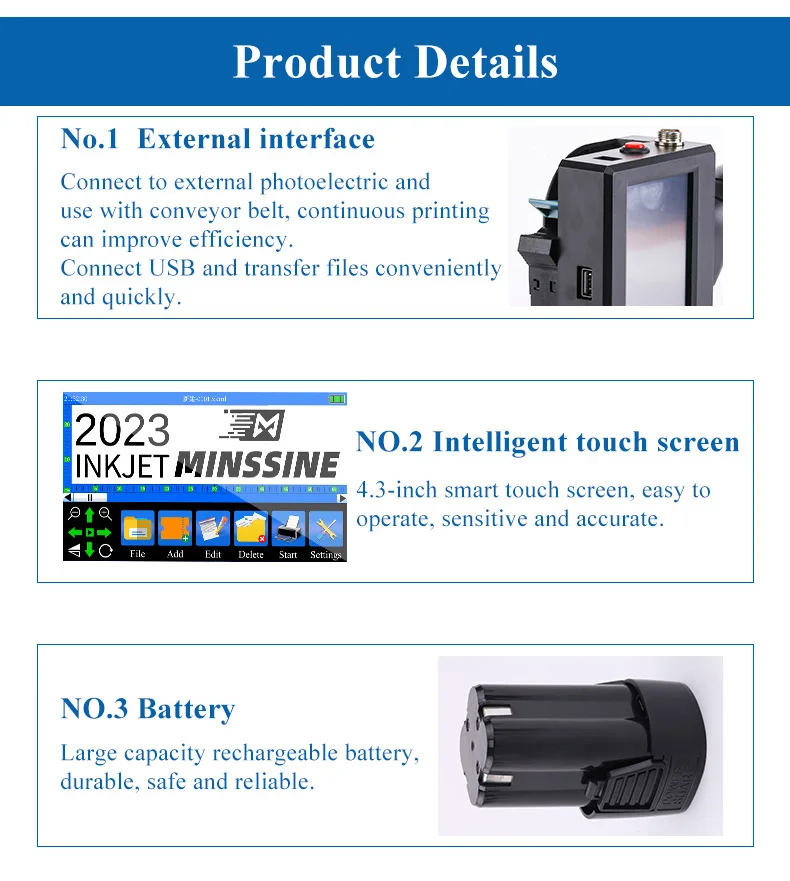
External interface: Photoelectric sensor interface, USB interface
Ink cartridge color: Black, Red, Blue, Green, Yellow, White
Ink cartridge type: Solvent-based ink, Water-based ink
Model Number: ZM-Z20
Nozzle type: TIJ 2.5 Thermal Foaming Nozzle
Origin: Mainland China
Power adapter: 100-240V AC INPUT, 8.4V/2A DC OUTPUT
Printing accuracy: 600DPI
Printing content: Text, Time, Count, Logo, Variable barcode/QR code, Serial number, etc.
Printing distance: 2-5mm
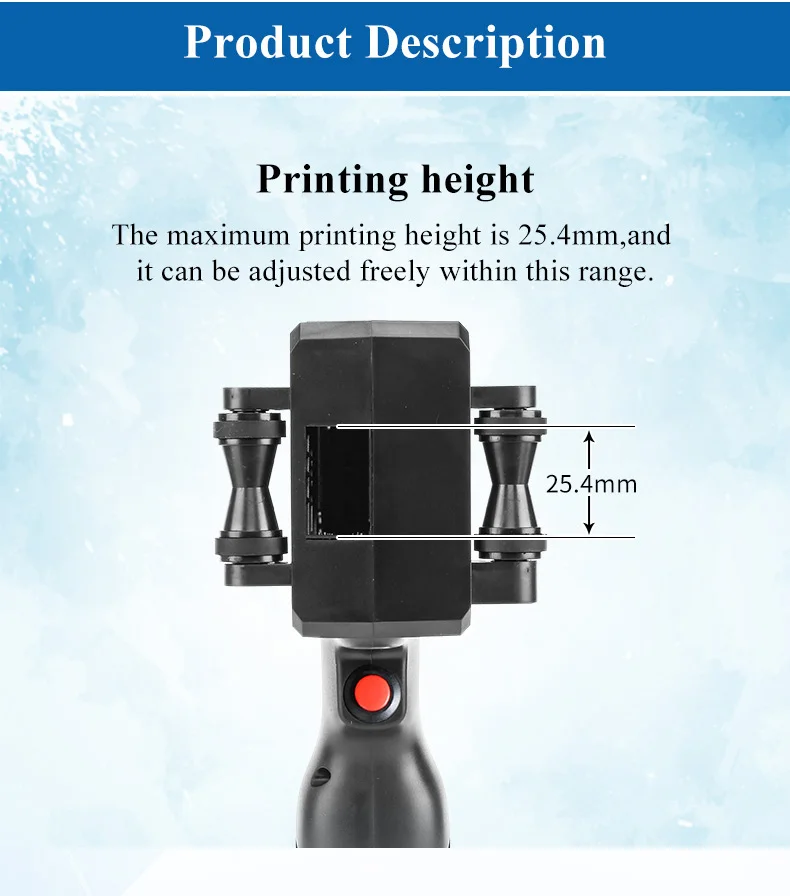
Printing height: 1-25.4mm
Printing materials: Cardboard, Plastic, Metal, Cables, Pipes, Glass, Electronic Components, etc.
Printing speed: 0-50m/min
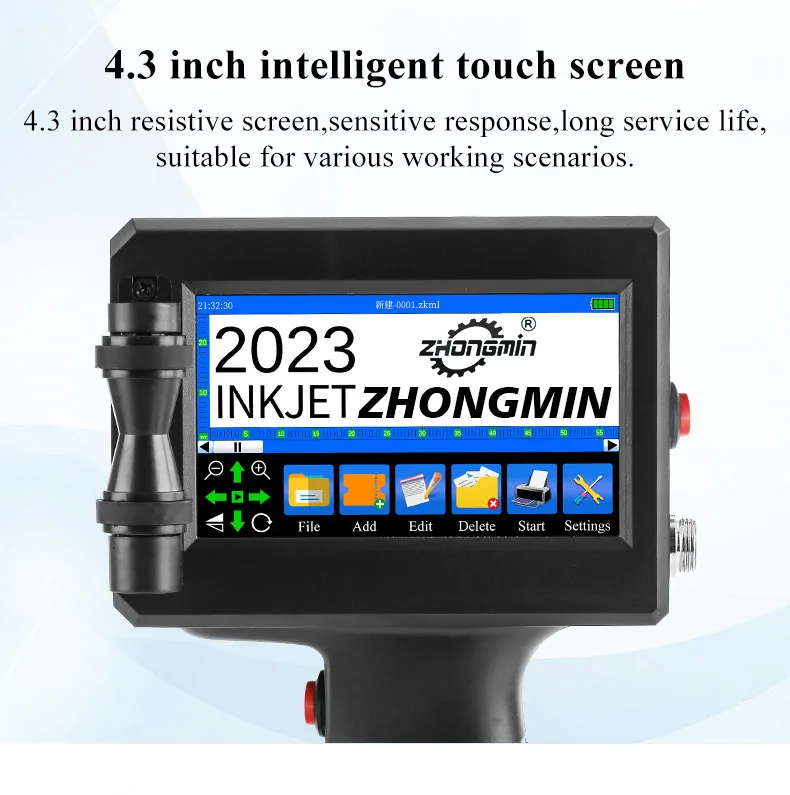
Screen size: 4.3 inch intelligent resistive screen
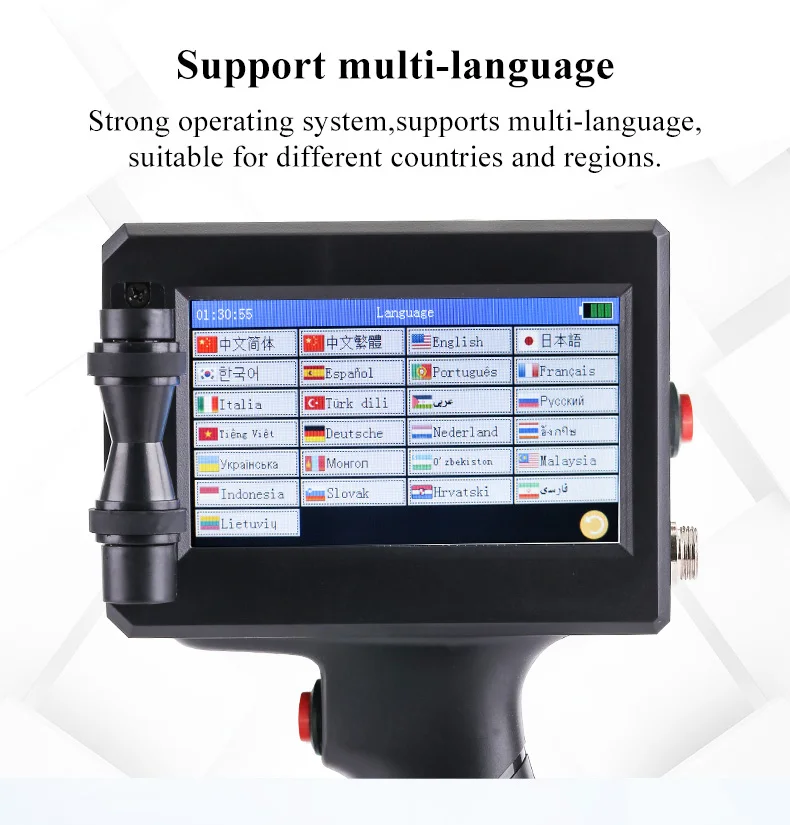
Supported languages: Chinese, English, Italian, Russian, French, Spanish, Portuguese, Arabic, German, Japanese, Korean, Thai, etc.
Voltage: Others
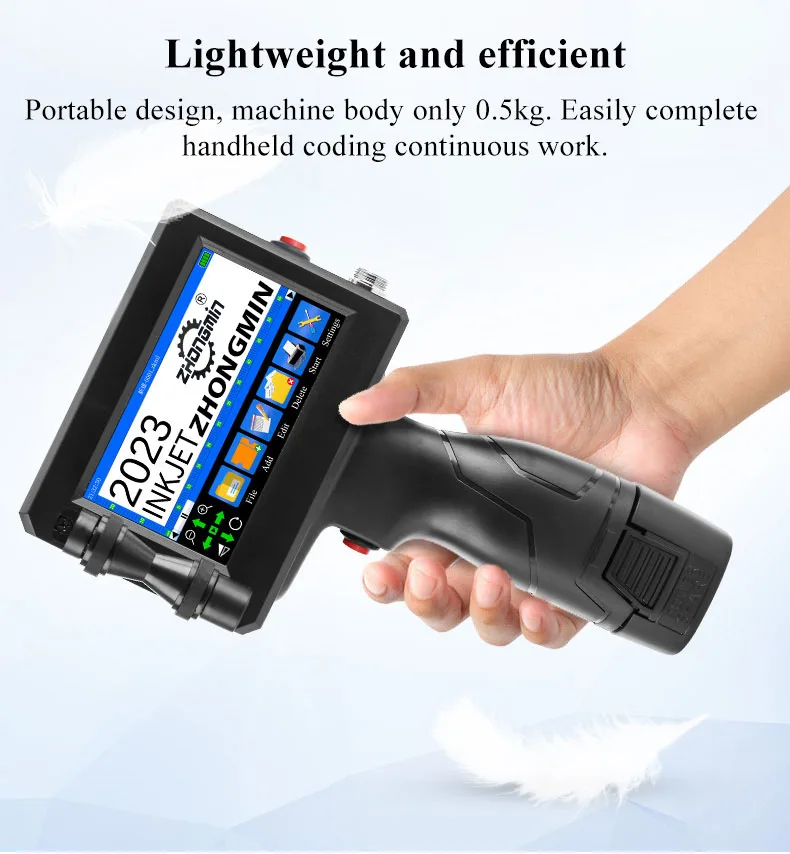
Weight: 500g
Working environment: Temperature 0-45 ℃ / Humidity 30-70%RH
is_customized: No
semi_Choice: yes
Professional Service
1.Factory-Direct Sales & Customization Support
Shop directly from the factory with flexible customization options designed for different business needs. We support OEM services, customized boot logos, tailored interface requirements, and selected encryption solutions. For special projects or bulk orders, our customer service team will provide professional guidance and practical solutions.
2.Reliable 24/7 Customer Support
Our dedicated support team is available around the clock to assist you before and after purchase. From product consultation and order confirmation to after-sales service and technical assistance, we respond promptly and provide clear, professional support to help ensure a smooth buying experience.
3.Fast Processing & Worldwide Delivery
We are committed to efficient order processing and reliable global shipping. Each order is carefully inspected and securely packaged before dispatch. With multiple shipping options and real-time tracking available, we help ensure your products arrive safely and on time.
4.Professional Quality, Trusted Service
We focus on delivering dependable products, competitive factory pricing, and attentive customer care. Whether you are purchasing for personal use, retail, wholesale, or customized business needs, we are ready to provide efficient service and long-term support. Your satisfaction is our priority.
IMPORT TAX NOTICE
Orders shipped from China include the product price and shipping fee only. Import duties, VAT/GST, customs clearance fees, and any other local import charges are ”not included“ in the order total.
All shipments are sent under "DDU terms" which means import duties, taxes, and customs-related charges are the buyer’s responsibility.
Tax rates and customs policies vary by country or region. Please check your local import regulations before placing an order to avoid unexpected charges or delivery delays.
HS Code: 8443321300
You may use this HS code as a reference to check the applicable import duties and taxes in your country.
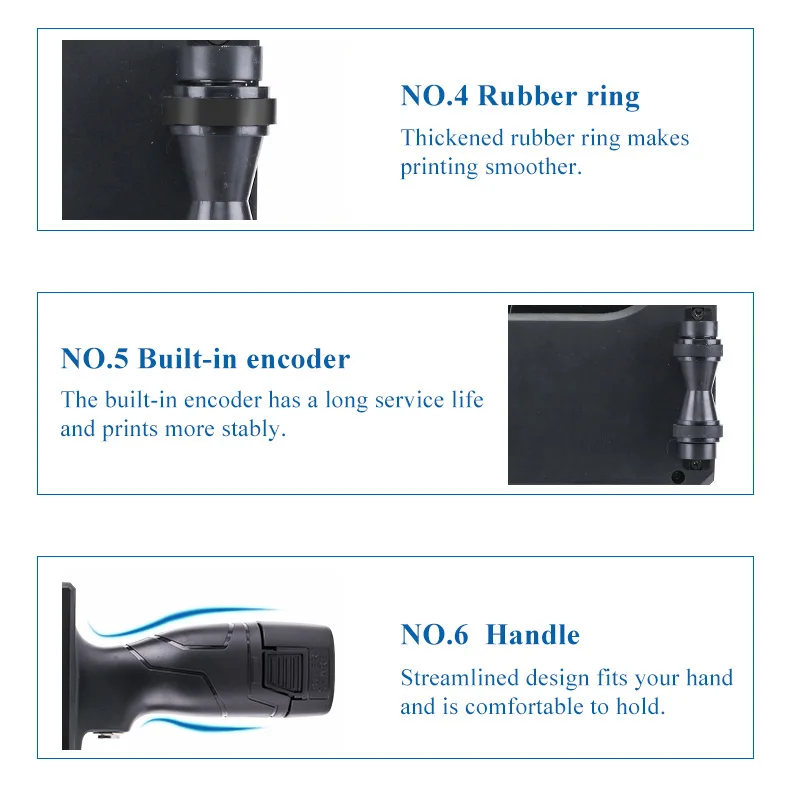
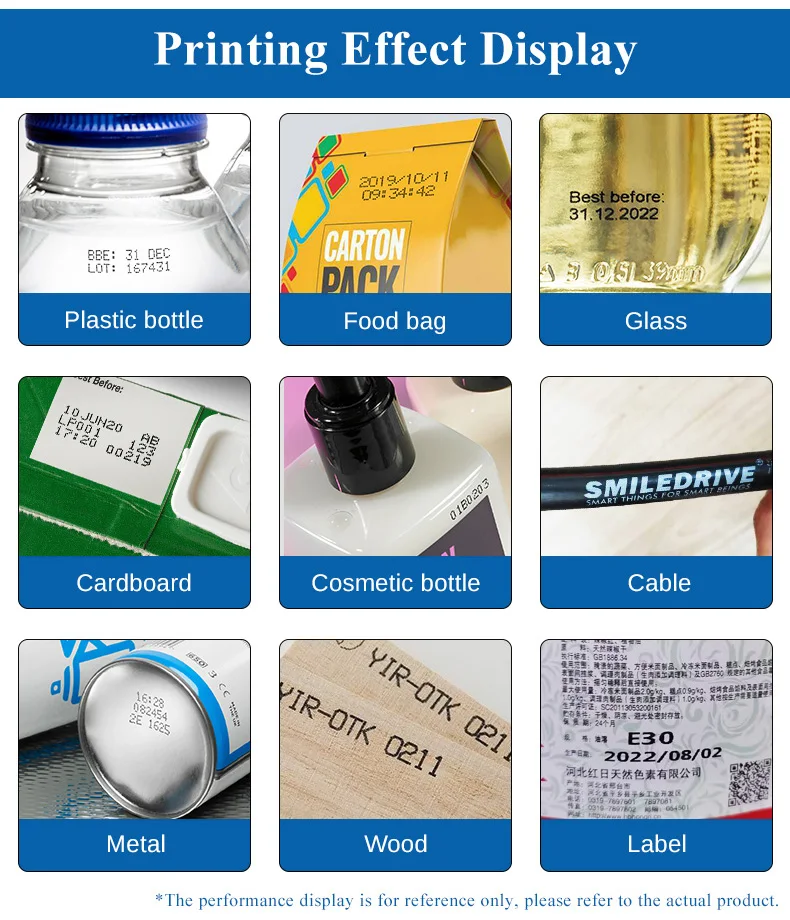
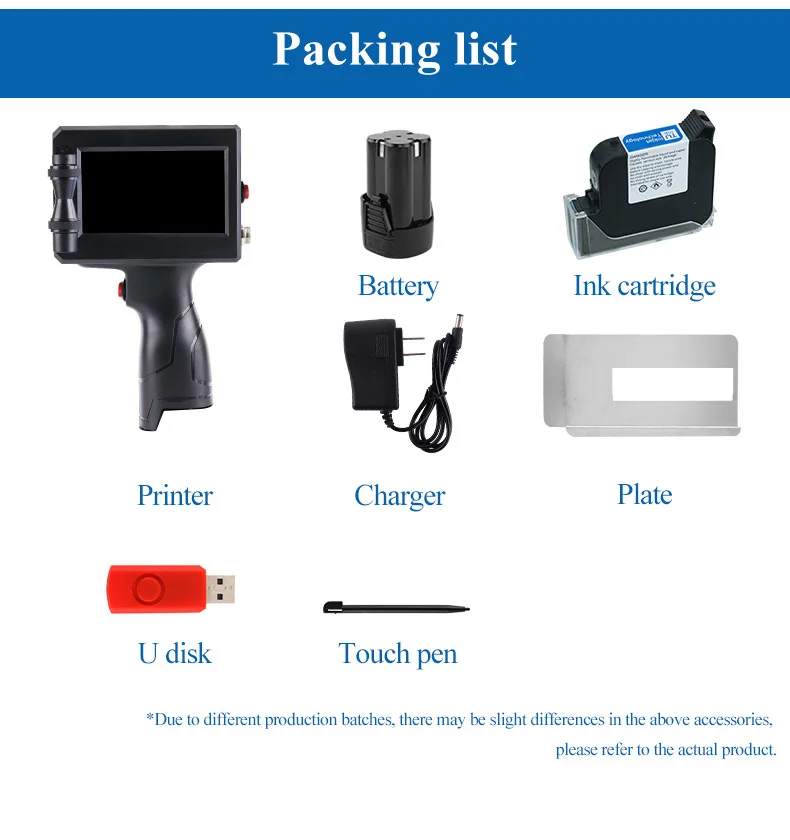
FAQ & Usage Guide
1.Q: How can I extend the service life of the printer?
A: Please turn off the printer before installing or removing the ink cartridge. This helps protect the cartridge contacts, printhead, and printer system.
2.Q: How should I protect the ink cartridge nozzle?
A: When the cartridge is not in use, please cover the nozzle with the protective cap in time to prevent drying. Before printing, you may gently wipe the nozzle in one direction with a soft tissue slightly moistened with alcohol.
3. Q: What should I do if the printer screen does not respond?
A: If the touch screen is not responding properly, please recalibrate the screen through the printer settings. If the issue continues, contact our customer service team for assistance.
4. Q: Can this printer be used with a photoelectric sensor?
A: Yes. Our inkjet printer supports a compatible photoelectric sensor. Please contact customer service before purchasing to confirm compatibility and application requirements.
5. Q: Can the printer print on bottles?
A: Yes. The printer can be used for bottle printing. We can provide a metal positioning plate for easier operation. For detailed setup instructions, please contact customer service.
6. Q: What should I do if the printer cannot print?
A: Please check the following steps:
(1) Check whether the timing belt on the left side of the printer is properly installed in the groove.
(2) Check whether there is enough ink in the cartridge.
(3) Switch the nozzle option in the printer settings.
(4) Turn off the printer, remove the ink cartridge, and reinstall it correctly.
7. Q: The printer can print, but the result is not clear. What should I do?
A: Please try the following solutions:
(1) Check whether the cartridge nozzle is clean and dry. Gently wipe the nozzle with a clean soft tissue.
(2) Turn off the printer, remove the cartridge, and gently shake it several times with the nozzle facing downward.
(3) Place a clean tissue against the nozzle surface to help guide the ink out smoothly.
(4) Switch the nozzle option in the printer settings.
(5) If the issue still cannot be solved, please replace the ink cartridge.
8. Q: What should I do if the printed text has streaks or lines?
A: Quick-drying ink may occasionally cause streaking if the nozzle becomes dry. Please gently wipe the nozzle with a clean soft tissue, then switch the nozzle option in the printer settings. When the cartridge is not in use, always install the protective cap promptly.
9. Q: Can the printer battery be charged?
A: Yes. Please follow these charging instructions:
(1) Remove the battery from the bottom of the printer and charge it separately to avoid possible damage to the printer.
(2) Use the dedicated charger provided or recommended by us.
(3) If the printer will not be used for a long time, it is recommended to safely charge and discharge the battery once every three months to maintain battery performance.
