


Introduction to Mobile Device Security
Overview of Current Mobile Security Threats
Mobile devices face a growing array of threats, from malware and phishing to unsecured networks and data breaches. Hackers exploit outdated software, weak passwords, and public Wi-Fi to access sensitive information. Additionally, malicious apps and compromised permissions in legitimate apps can lead to unauthorized data collection and surveillance.
Importance of Protecting Personal Data
Mobile phones store vast amounts of personal data—including financial details, health information, and private communications. Without proper security, this data can be stolen, leading to identity theft, financial loss, and privacy violations. Regular software updates, strong passwords, and encryption are essential in mitigating these risks.
Tidesmit's Role in Promoting Device Security
Tidesmit plays a vital role in equipping users with tools and knowledge to secure their devices. From guiding on encryption and biometric access to advocating for secure app practices, Tidesmit supports user privacy and data protection in an increasingly connected world.
Understanding Mobile Threats and Basic Protections
What are common security threats to mobile devices?
Mobile devices face a range of security threats that can compromise personal and sensitive data. Among the most common threats are malware, phishing attacks, and unsecured Wi-Fi networks. Malware can be introduced through malicious apps or phishing emails that trick users into clicking harmful links or downloading infected files. These threats can lead to data theft, unauthorized access to accounts, and even financial loss. Unsecured Wi-Fi networks, particularly in public places like cafes or airports, allow cybercriminals to intercept sensitive information transmitted by the device, such as login credentials or financial details. This makes it easy for attackers to exploit vulnerabilities in the connection to steal user data.
Why is encryption important for mobile devices?
Encryption plays a critical role in securing mobile devices by rendering data unusable to unauthorized individuals. When data is encrypted, it is converted into an unreadable format that can only be decrypted with the correct key. This means that if a device is lost, stolen, or hacked, the data remains protected and inaccessible to intruders. Most smartphones offer built-in encryption features, often activated through a strong passcode or biometric authentication. Encryption safeguards both stored data on the device and transmitted data, such as messages or online transactions. By enabling this feature, users can prevent sensitive information like photos, contacts, and financial data from being exposed.
How do screen locks and biometric authentication help secure devices?
Screen locks and biometric authentication provide a robust first line of defense against unauthorized access to a mobile device. A screen lock with a complex PIN or password ensures that only the authorized user can unlock the device. Biometric authentication, such as fingerprint or facial recognition, adds an extra layer of security by requiring a unique physical trait for access. These methods deter potential thieves or hackers, who would otherwise need to guess a passcode or bypass traditional security measures. Additionally, modern biometric systems are often paired with encryption, ensuring that the device remains protected even if it falls into the wrong hands. By enabling these features, users significantly reduce the risk of data exposure in the event of device theft or loss.
Keeping Software and Apps Secure
Why should you keep your phone's software updated?
Regular software updates include critical security patches that protect against known vulnerabilities. Delaying updates can leave your device exposed to threats that have already been addressed by manufacturers. For instance, Operating system updates often contain fixes for flaws that hackers have already discovered and could exploit. Timely installation of patches is vital for maintaining the security of your phone and the data it contains.
What are the risks of using outdated software on your phone?
Outdated software can have security holes that hackers can exploit, making your device more susceptible to malware, phishing attacks, and other forms of cyber threats. These weaknesses can lead to data loss, identity theft, or unauthorized access to personal information. Furthermore, older app versions may lack support or critical security enhancements, allowing attackers to bypass outdated protection systems.
How can you ensure apps are secure and up to date?
To maintain app security, install apps only from reputable sources such as Google Play Store or Apple App Store. These marketplaces typically subject applications to stricter security guidelines and malware checks. Enable auto-updates for apps to receive the latest protective improvements without manual intervention. Regular App updates typically resolve issues and incorporate new security features that reduce the likelihood of successful attacks.
Advanced Security Measures for Mobile Devices
What is multi-factor authentication (MFA) and why is it important?
Multi-factor authentication (MFA) requires two or more forms of verification to access an account, providing an extra layer of security beyond passwords. This makes it significantly harder for cybercriminals to gain unauthorized access, even if they obtain your password. MFA typically combines something you know (a password), something you have (a phone or security token), or something you are Biometric authentication. Its importance lies in reducing the impact of password breaches and protecting sensitive information.
How do remote wipe and tracking features protect your device?
Remote wipe and tracking features allow you to locate, lock, or erase a lost or stolen device, preventing unauthorized access to your personal data. These features are essential for minimizing data exposure in case of loss or theft. Services like Apple's Find My service or Android's Find My Device enable users to take immediate action if their phone is compromised, safeguarding sensitive data from potential misuse.
What should you do to protect against phishing attacks?
Avoid clicking on suspicious links or downloading attachments from unknown senders. Use security software that can detect phishing attempts and regularly educate yourself on the latest scam tactics to stay informed and cautious. Phishing attacks often mimic legitimate communications to trick users into revealing personal information, so staying vigilant and verifying the authenticity of messages is crucial for protecting your device and data.
Physical Security and Safe Usage Practices
How can you physically secure your mobile device?
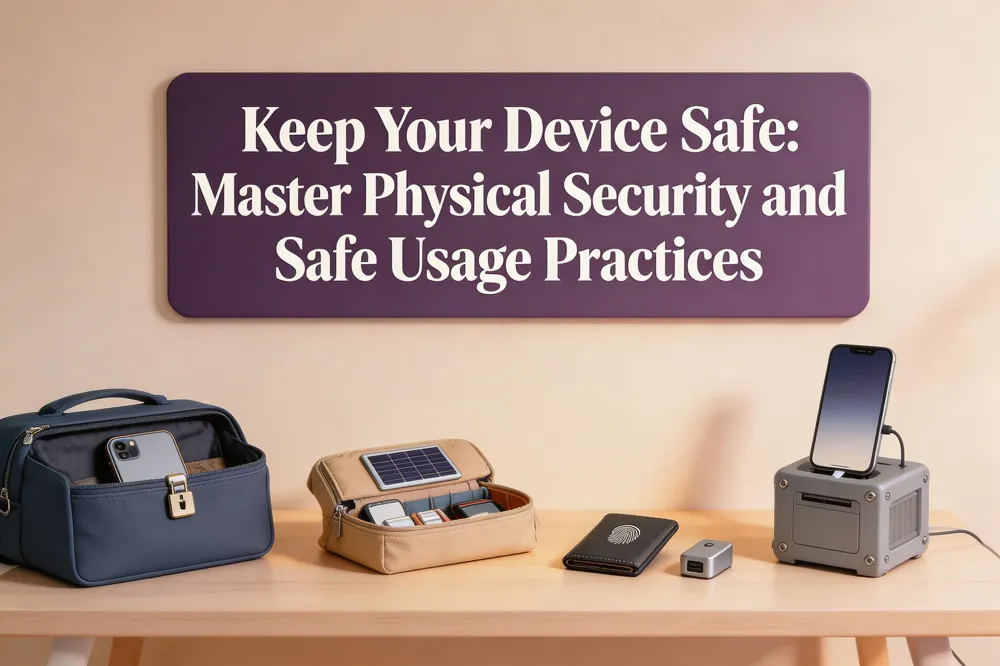
Keeping your mobile device secure starts with physical protection. You should always keep your device with you or store it in a secured location when not in use. Utilizing security features like Find My service helps with tracking and recovery if the device is lost or stolen. Avoid leaving your device unattended, especially in public areas where it could be stolen or tampered with.
Why should you avoid public Wi-Fi for sensitive tasks?
Public Wi-Fi networks are typically unsecured, which makes them a prime target for cybercriminals aiming to intercept your data. These networks can easily be monitored to capture sensitive information, such as passwords and credit card details, without your knowledge. For sensitive activities, it's best to use a secure, password-protected connection or a Virtual Private Network (VPN) to add an extra layer of security and privacy to your online interactions.
What are the best practices for backing up mobile data?
Regular data backups are essential for safeguarding your information. Back up your device to a secure cloud service or an external computer drive to ensure you can recover lost data due to theft, damage, or ransomware attacks. Automating your backup process makes it more consistent and reliable, helping to maintain the integrity of your important data. These steps can significantly reduce the impact of data loss and help ensure that your information remains accessible when you need it most.
The Future of Mobile Device Security
What are some emerging trends in mobile device security?
Emerging trends include AI-driven security solutions, Biometric authentication advancements, and enhanced end-to-end encryption for data protection. These technologies help address growing threats and provide more robust security measures for mobile devices.
How does Tidesmit contribute to mobile device security?
Tidesmit ensures that all sold devices support the latest security features, including strong encryption, secure authentication methods, and regular software updates. We prioritize devices with advanced security protocols to help you stay protected.
What steps can you take to future-proof your mobile device security?
Stay informed about the latest security threats and best practices, choose devices with robust built-in security features, and regularly update your software and apps. Additionally, use reputable security apps and maintain good security habits to protect your mobile data effectively.
Conclusion and Final Tips
What are some final tips for securing your mobile device?
Strong, unique passwords form the foundation of mobile security, so ensure your passcode is at least 6-digit passcode or includes alphanumeric elements. Enable Multi-Factor Authentication (MFA) to add defense layers, especially for apps and websites holding sensitive data. Public Wi-Fi networks risk exposing data, so limit sensitive transactions on these and pair with a Virtual Private Network (VPN) if necessary.
Stay current with updates for both the operating system and apps as they contain critical security patches. Install reputable antivirus software to safeguard against malware and phishing attempts. Regular data backups through services like Google Drive or iCloud ensure recovery if data is lost or compromised. Activate remote wipe features such as Apple’s Find My iPhone or Android’s Find My Device, and use tracking functionalities to enhance recovery chances for lost or stolen devices.
Staying Informed and Secure
Importance of Continuous Learning About Security Threats
Mobile security threats evolve rapidly, with new vulnerabilities and attack techniques constantly emerging. Continuous learning is essential to stay ahead of cybercriminals and adapt to the latest protection strategies. As technology advances, so do the methods used by hackers, making it crucial to remain informed and proactive in safeguarding mobile devices.
Resources for Staying Updated on Mobile Security
Reliable resources help users stay current with the latest threats and best practices. Government websites like the FTC and CISA offer authoritative guidance, while organizations such as the NCCoE provide updated security solutions. Reputable cybersecurity firms, like Lookout, also offer tools and insights to enhance device security.
Tidesmit’s Support for Secure Mobile Use
Tidesmit supports users by integrating privacy-conscious security solutions that prioritize data protection. Through solutions like Lookout’s Anonymized Identity Protection, Tidesmit ensures strong security without compromising user privacy, helping customers maintain a secure and private mobile environment.
