

Why Extending Smartphone Life Matters
Every year the United States generates about 7.5 million metric tons of electronic waste, and smartphones account for roughly 10 % of that total. Extending a phone’s life reduces the amount of e‑waste that ends up in landfills, conserving the raw materials and energy required to mine, manufacture, and ship new devices. From a financial perspective, repairing a cracked screen or a worn battery costs a fraction of the price of a new flagship—screen repairs run $129‑$379 versus a $700‑$1,200 replacement, and battery swaps are $60‑$150. These savings add up quickly for consumers who upgrade only every two to three years. Keeping a device well‑maintained also preserves performance: regular software updates, storage management, and battery‑care habits prevent slowdowns, keep apps responsive, and maintain battery capacity, allowing the phone to run smoothly for years beyond its original warranty. A longer‑lasting device also reduces the carbon footprint tied to manufacturing phones and material waste.
Battery Health Essentials for Samsung Users
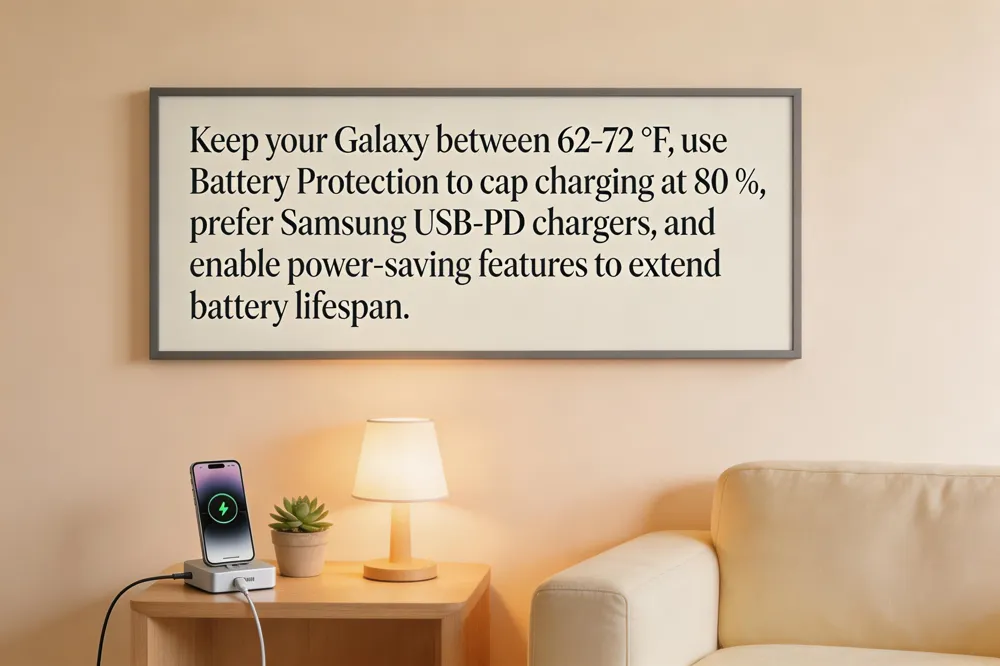
How to extend the lifespan of your smartphone Samsung Keep your Galaxy between 62 °F and 72 °F (16 °C‑22 °C) and avoid prolonged exposure to below 32 °F or above 95 °F, as extreme temperatures accelerate battery wear. Use the built‑in Battery Protection setting to cap charging at 80 % (Settings > Battery > Battery Protection). Prefer Samsung’s original USB‑PD charger; third‑party adapters can over‑heat or supply incorrect voltage. Reduce screen power by lowering brightness, enabling Adaptive Brightness, shortening the timeout to under 60 seconds, and disabling Always‑On Display when not needed. Activate Power‑saving Mode, keep the OS and apps up‑to‑date, and turn off Wi‑Fi, Bluetooth, and GPS when idle.
Samsung smartphone maintenance tips
- Maintain the optimal temperature range (32 °F‑95 °F) and store the phone in a cool, dry place when not in use.
- Charge with a genuine Samsung charger, unplug at 100 % and store at 50‑70 % for long‑term periods.
- Clean the screen, body, and ports regularly with a lint‑free microfiber cloth; use a 70 %+ alcohol solution only if needed.
- Back up data via Smart Switch or Samsung Cloud and enable Maintenance Mode in Device Care before service.
- Power off the device during extended inactivity and keep software current for security and battery‑efficiency improvements.
How to make your phone battery last longer Samsung Enable Adaptive Brightness, set the screen timeout to 30 seconds, and turn off Always‑On Display. Disable Wi‑Fi, Bluetooth, and GPS when not in use, and close or uninstall background‑heavy apps. Use the Battery and Device Care → Optimize now feature to put rarely used apps into deep‑sleep. Activate Power‑saving Mode and consider limiting the charge range to 80‑85 % while avoiding drops below 15‑20 % for long‑term health. Regular software updates further improve battery management.
Universal Battery Care Rules
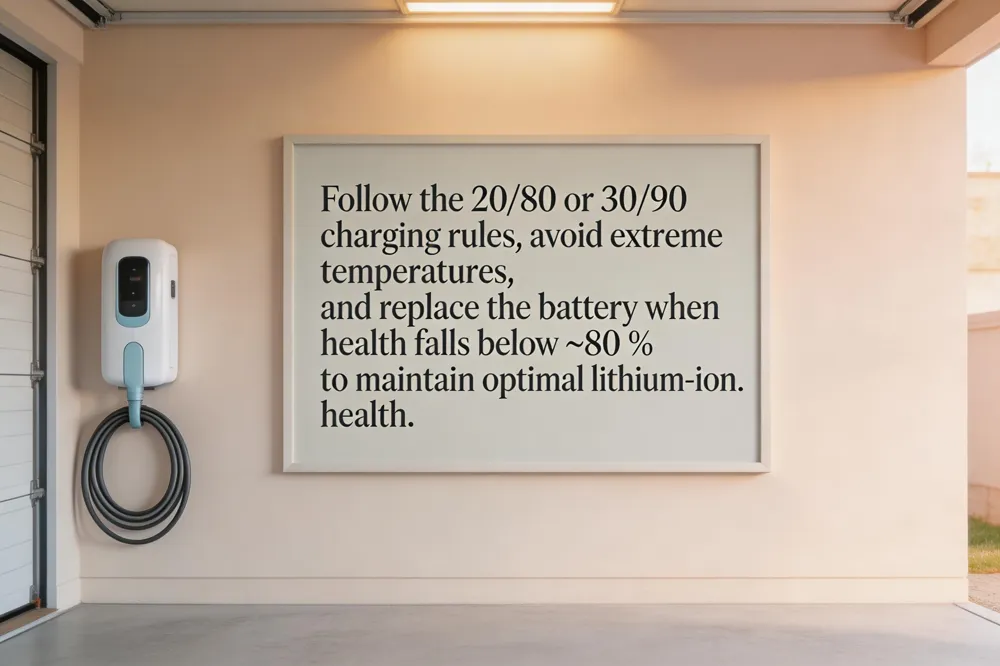
Keeping a smartphone battery in its sweet spot is the single most effective way to stretch its useful life. The 20/80 rule—also called the 80/20 rule—asks you to charge only when the state of charge falls to about 20 % and to stop at roughly 80 %. This avoids the stress of deep discharges and the high voltage of a full‑charge plateau, both of which accelerate wear on lithium‑ion cells. A related guideline, the 30/90 rule, suggests plugging in around 30 % and unplugging near 90 %. Staying in this middle band reduces cycle‑count loss while still giving you plenty of daily runtime. Battery health percentages give a quick health of remaining capacity: 100 % means the battery can hold its original charge, while values below 80 % indicate noticeable degradation. A reading of 76 % health, for example, signals that the battery is already below Apple’s “healthy” threshold, resulting in shorter use‑times and possible performance throttling. When health drops into the 70‑% range, a professional replacement is usually the most cost‑effective way to restore full performance and avoid unexpected shutdowns.
Software and Power Management

How to make your phone last for years
Keep the battery in the 20‑80 % range and avoid extreme temperatures (62‑72 °F); use built‑in optimized‑charging (iOS Optimized Battery Charging, Android Adaptive Charging) and set the charge limit to 80 % when possible. Enable dark mode and adaptive brightness, shorten screen timeout, and turn off radios (Bluetooth, Wi‑Fi, GPS) when idle. Protect the hardware with a sturdy case and tempered‑glass screen protector, clean ports regularly, and install the latest OS and app updates. Restart occasionally to clear background glitches.
Android smartphone lifespan extension
Maintain moderate temperatures and avoid full‑capacity charges; use Android’s Battery Protection or Adaptive Charging to cap at 80 %. Activate dark mode with adaptive brightness to cut display power draw. Keep the OS and apps up to date, which improves efficiency and security. Check battery health in Settings and replace the battery once capacity falls below ~80 %.
How can I make my phone battery last longer?
Lower screen brightness, enable auto‑brightness, and reduce timeout. Turn on Battery Saver/Low‑Power Mode to dim the screen and limit background activity. Disable unnecessary connectivity (Bluetooth, Wi‑Fi, GPS) and use Airplane mode when signal is weak. Avoid prolonged video streaming, gaming, or navigation, and close power‑hungry apps. Use the original charger and keep the device cool.
How to make your battery last longer on Android
Enable Adaptive Battery and Dark Theme, dim the display, and set a short screen timeout. Restrict background processes for rarely used apps and turn off Bluetooth, GPS, and mobile data when not needed. Charge with the supplied adapter in a well‑ventilated area, and activate Battery Saver when the battery drops low. Keep Android and all apps updated, and occasionally allow the battery to fall below 10 % before a full charge.
Physical Protection, Cleaning, and Storage

Durable Cases and Tempered‑Glass Protectors: A shock‑absorbing case plus a tempered‑glass screen protector guard against drops, scratches, and cracks, preserving resale value and preventing costly repairs.
Cleaning Ports and Screens Safely: Use a soft microfiber cloth for the display and a dry toothbrush or compressed‑air puff to clear dust from charging ports and speaker grilles. Avoid liquid cleaners on ports; a quick wipe with an alcohol‑dampened cloth works for the screen.
Managing Storage to Keep Performance High: Regularly offload photos, videos, and large games to cloud services, delete unused apps, and clear cache files. Keeping at least 10 % free space ensures smooth operation and prevents slowdowns.
Best smartphone maintenance tips – Keep the battery between 20 %‑80 % and use built‑in optimized‑charging features, avoid extreme temperatures, and charge with the OEM‑approved adapter. Install a quality case and screen protector, clean ports regularly, stay current with OS and app updates, and uninstall unused apps.
Smartphone maintenance tips PDF – A printable checklist covering cleaning, temperature protection, charger use, software updates, data backup, app removal, cache clearing, and antivirus scanning is available for download, giving you a quick reference for ongoing device care.
Brand Longevity and Update Policies

Software support timelines matter: Google Pixel 8/9 and Samsung Galaxy S24 series promise up to seven years of OS and security updates, while Apple iPhones receive five‑to‑seven years of iOS updates. Longer support boosts resale value because a well‑maintained device stays secure and performant, making it more attractive on the secondary market. Repairability also affects lifespan; Fairphone’s modular design and five‑year warranty enable easy part swaps, whereas premium phones rely on professional repair services that are still cheaper than a new device. Choosing a future‑proof phone means picking a brand with extended update commitments, a strong repair ecosystem, and durable accessories.
Which phone will get 7 years of updates? The Samsung Galaxy S24 series (S24, S24+, S24 Ultra) is the first to receive seven years of Android OS and One UI updates, matching Google’s Pixel promise.
Smartphone lifespan by brand Google and Samsung lead with up to seven years of support; Apple offers five‑to‑seven years; Fairphone focuses on repairability with a five‑year hardware warranty; the industry average is 2.5 years.
How long should you keep a phone before upgrading? Most phones stay functional for 2‑4 years; aim for at least 2 years, but upgrade sooner if battery health drops, updates stop, or the device shows frequent issues.
Repair, Replacement, and Longevity Strategies
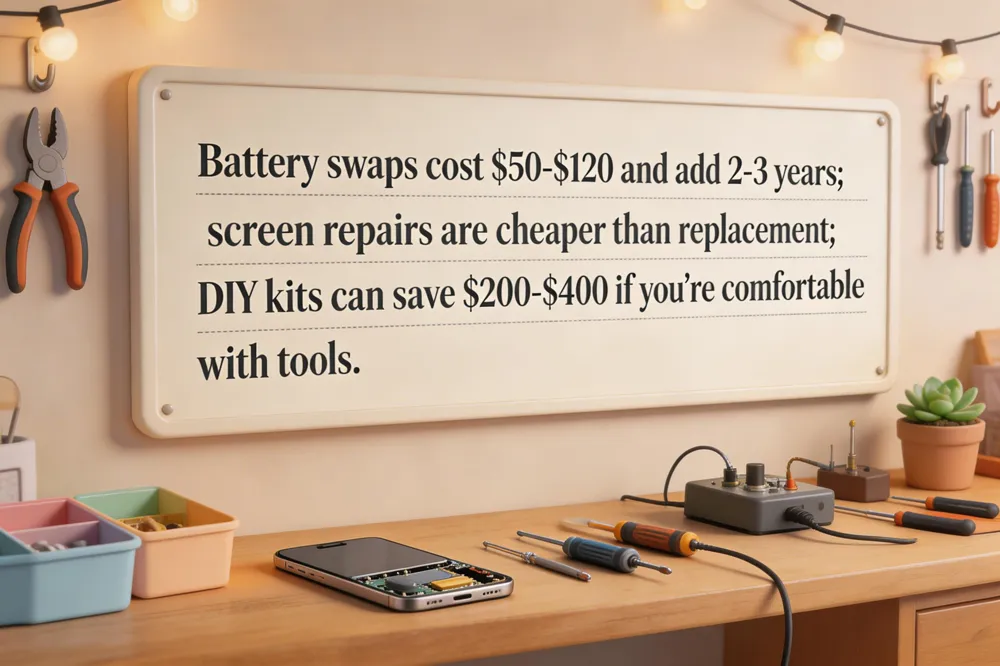
Battery replacement cost vs. new phone
A typical battery swap costs $50‑$120 in the U.S., restoring 90‑95 % of original capacity and extending life by 2‑3 years—far cheaper than a $700‑$1,200 new handset.
Screen repair economics
Screen repairs range from $129‑$379 for iPhones and $100‑$250 for Androids; if the device is under three years old, repair is usually cheaper than replacement.
Professional vs. DIY repair options
Professional services guarantee proper tools and warranty, while DIY kits (e.g., iFixit) cost $30‑$70 for screens or batteries and can save $200‑$400 if you’re comfortable with small tools.
Can a smartphone last 7 years?
Yes—maintain charging (20‑80 % range), keep OS updated, replace the battery when capacity falls, and protect the device from drops and heat.
Can a smartphone last 10 years?
Possible with regular battery swaps, screen fixes, a durable case, and choosing a repair‑friendly model; occasional component upgrades keep it functional.
Samsung smartphone lifespan extension
Charge 40‑80 %, install One UI updates, replace the battery after 400‑500 cycles, use a sturdy case, and consider Samsung’s extended security‑support plans.
iPhone‑Specific Battery Management
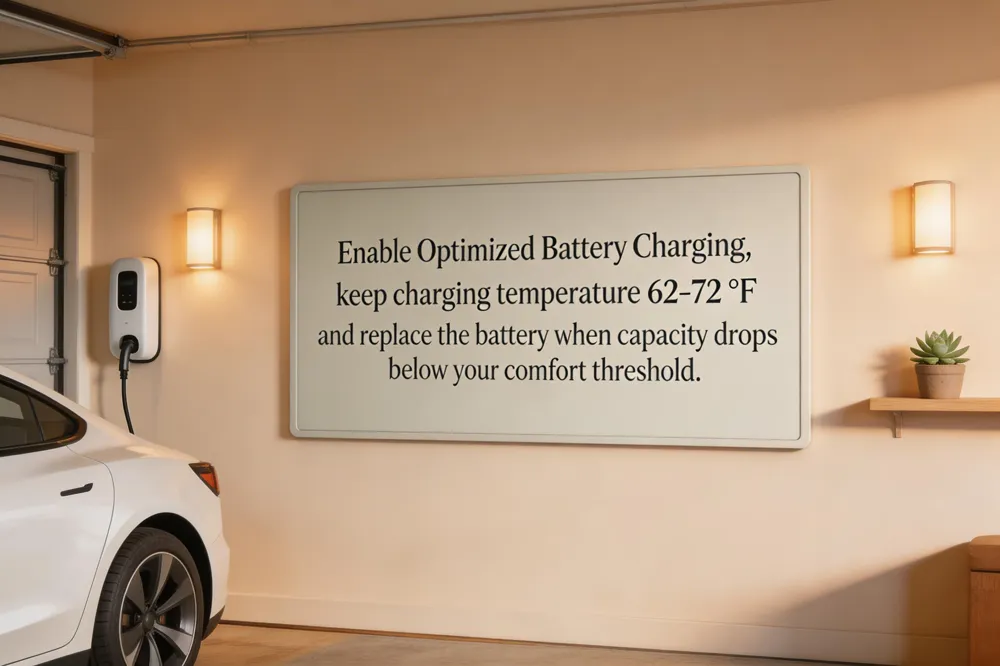
Optimized Battery Charging: Turn on Settings → Battery → Battery Health & Charging → Optimized Battery Charging so iOS learns your routine and delays full‑charge time, keeping the battery between 20 %‑80 % for most of the day. Temperature control while charging: Keep the phone in an environment of 62 °F‑72 °F (16 °C‑22 °C) and remove any heat‑trapping case while plugged in; extreme cold or heat accelerates degradation. Health monitoring and replacement: Check Battery Health regularly via Settings → Battery → Battery Health; if maximum capacity falls below a comfortable threshold, schedule a professional battery swap.
How to increase iPhone battery health to 100 – Charge only when the level drops to ~20‑30 % and unplug around 80‑90 %, enable Optimized Battery Charging, avoid high temperatures (62‑72 °F), use a certified charger, keep iOS updated, and disable unnecessary background activities. If health has already declined, a certified battery replacement is the only way to restore it to 100 %.
Putting It All Together for a Longer‑Lasting Phone
Protecting hardware while charging wisely is the foundation of a long‑lasting phone. Use a sturdy, shock‑absorbing case and tempered‑glass screen protector to guard against drops, scratches and moisture; these shields keep resale value high and avoid costly repairs. Pair that with smart charging habits: cap the charge at 80 % using iOS Battery > Charging > Charge Limit, Samsung’s Battery Protection, or Google Pixel’s Adaptive Charging, and keep the device cool by removing bulky cases while it charges. Install OS and app updates—Apple pushes iOS every 4‑6 weeks, Google releases monthly Android patches, and Samsung provides quarterly security fixes—so the phone runs efficiently and stays protected. Finally, monitor battery health in Settings and schedule a battery or screen replacement before capacity falls below 80 % or a crack appears, extending usable life without buying a new device.
