

Why Digital Shade Selection Matters
Why Digital Shade Selection Matters
The U.S. cosmetics market, valued at $93 billion in 2022, sees 38% of women buying makeup online. Digital shade selection tools have become essential as shoppers seek accuracy without in-store testing.
Impact of AI and AR on Shade Accuracy
AI-powered 360° scans and augmented reality try-ons, offered by brands like Maybelline and NYX, capture skin tone under varied lighting. These technologies boost conversion rates by 25% and reduce shade-mismatch returns, which affect 40–60% of purchases.
Consumer Expectations for Quick, Reliable Matches
Over 60% of shoppers now refuse to buy foundation online without a digital shade finder. Tools that deliver immediate, personalized recommendations meet the demand for speed and confidence in online beauty shopping.
Skin Tone, Undertone, and Coverage Basics
Identifying True Skin Intensity
Skin intensity, sometimes called depth, describes how light or dark your natural skin color is. Categories range from fair to deepest. An accurate match starts with identifying this depth using a clean, makeup‑free face. Tools like Maybelline's AI‑powered 360° scan or L'Oréal's Foundation Shade Finder capture your exact depth under various lighting.
Undertone Categories (Cool, Warm, Neutral)
The underlying hue, or undertone, remains constant even if you tan. Cool undertones show pink or rosy hues; warm undertones appear golden or olive; neutral is a balanced mix. Simple home tests—vein color on your wrist (blue/purple for cool, green for warm, a mix for neutral) or jewelry preference (silver flatters cool, gold flatters warm)—help you identify yours. Brands like MAC use letters: W for warm (rosy), C for cool (golden), N for neutral.
How Coverage and Finish Affect Perceived Shade
The same shade number can look different depending on formula. Light coverage lets skin show through, making the shade appear sheerer; full coverage is opaque. Finish also shifts perception: matte foundations can darken slightly when dry, while dewy finishes add luminosity that may lighten the overall look. When using online shade finders, specifying your desired coverage (light, medium, full) and finish (matte, dewy, satin) helps the algorithm recommend the correct variant. For example, a shade that works in a radiant formula may seem too dark in a matte version. Always check the recommended shade on your jawline in natural light, and consider seasonal changes—slightly deeper in summer, lighter in winter. AI‑powered virtual try‑ons and cross‑brand shade‑to‑shade tools (such as Ulta's or Findation) make the process beginner‑friendly by translating your existing matches into new brand codes.
AI‑Powered Shade Finders: Tools and How They Work
360° Facial Scans and AR Interfaces
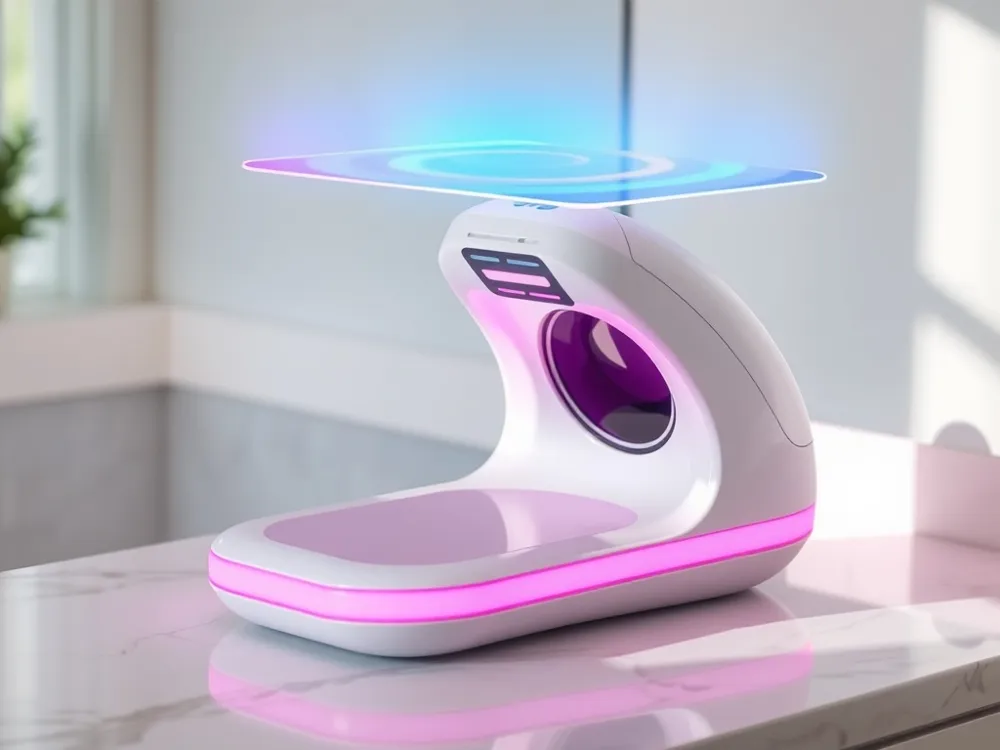
AI‑powered shade finders are transforming the foundation matching experience. Maybelline’s Foundation Shade Finder exemplifies this technology by requiring a 360° facial scan to capture skin tone under multiple lighting angles. The tool uses augmented reality (AR) on a mobile device, accessible via an interface that allows shoppers to see how shades look in real time. Users can specify coverage (light, medium, full) and finish (matte, dewy) before receiving personalized recommendations.
Photo‑Based Analysis and Considerations
For those who prefer a simpler start, many online foundation shade finders work with a single photo. Upload a selfie taken in natural daylight without makeup the AI evaluates skin depth and undertone, then matches you with shades from brands like MAC, Fenty Beauty, or Estée Lauder. Lighting is a critical factor: artificial light can alter color perception, so brands advise using natural daylight for the most accurate match. Tools like Findation also let you input existing foundation shades to calculate equivalents across 11,000 products.
Brand‑Specific AI
Several brands offer distinct AI experiences. Maybelline’s tool is mobile‑first and hosted on its U.S. site, delivering a targeted experience for American shoppers. Ulta carries multiple brands and provides a Shade‑to‑Shade Finder that translates your current shade match across different product lines. L'Oréal’s Foundation Shade Finder guides users through a multi‑step process including a selfie upload and undertone quiz. NYX Professional Makeup uses the 'Foundation Match Maker' powered by AI from a 360° selfie video. These tools consistently factor in undertone, depth, and seasonal skin changes, delivering a personalized match for diverse skin tones.
Free Cross‑Brand Matching Tools
Findation.com: A Massive Community-Powered Database
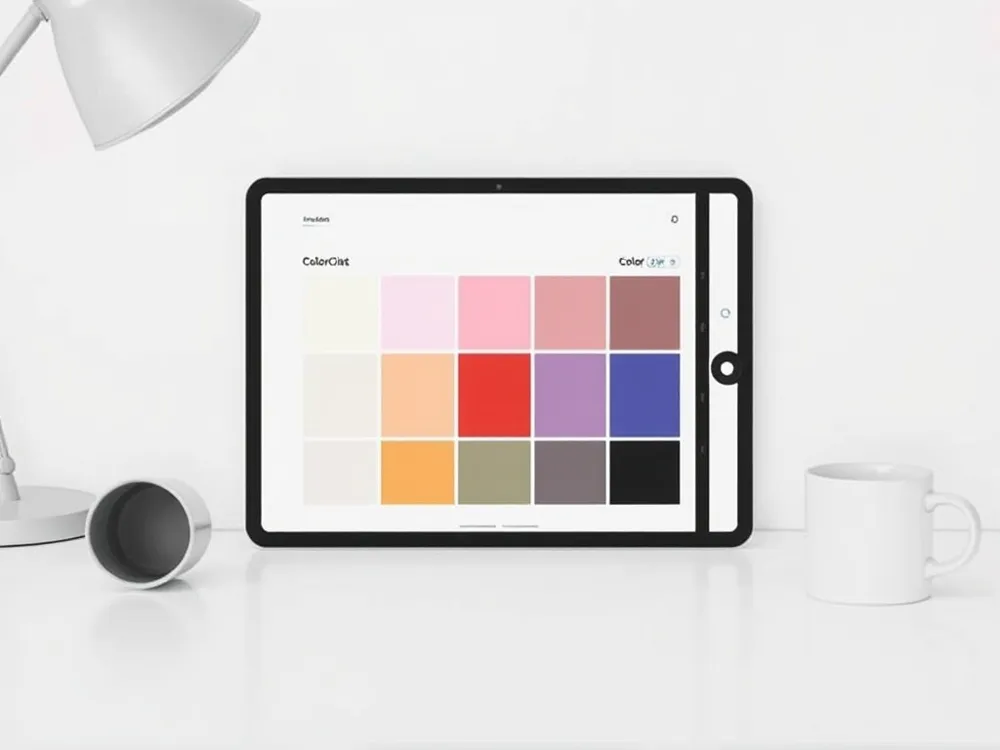
Findation.com leverages over 150 million user inputs to build a vast cross‑brand matching database. The platform includes more than 11,000 products and 104,000 shade variations from major U.S. brands like MAC, Fenty Beauty, and Estée Lauder. Enter a foundation or concealer shade you already own, and the tool calculates equivalent shades across thousands of products.
Ulta Beauty’s Shade‑to‑Shade Finder works on product pages for foundation, concealer, and tinted moisturizers. Select your current brand, formula, and shade from dropdown menus, then view matching shades across brands like Lancôme, Maybelline, and NARS. The tool is free and requires no purchase.
Sephora’s Shade Finder quiz walks through skin undertone and preference questions. Sephora also offers a Virtual Artist that uses AR to let you “try on” foundation shades in real time. This process helps confirm that a matched shade blends naturally with your skin.
| Tool | Free & Online? | How It Works | Best For |
|---|---|---|---|
| Findation.com | Yes | Input a known shade to receive equivalents across 11,000+ products | Quick cross‑brand matching based on user data |
| Ulta Shade‑to‑Shade Finder | Yes | Select current shade from dropdowns; see matches from many brands | Shoppers who know their current exact shade |
| Sephora Find My Shade & Virtual Artist | Yes | Quiz followed by virtual try‑on | Tying matches to realistic previews before purchase |
Practical Testing, Seasonal Adjustments, and Return Policies
Virtual Try‑On vs. Real‑World Swatch
AI‑powered tools like Maybelline’s 360° scanner and Ulta’s Shade‑to‑Shade Finder provide reliable first approximations. Yet foundation shade finders rely on controlled lighting, which can differ from your bathroom or office. Always confirm a digital match with a physical swatch on the jawline in natural daylight—the “disappearing” test. For example, Maybelline Fit Me shade 120 (Classic Ivory) is designed for fair to light skin with neutral undertones, but the same number can look slightly different across formulas. Top platforms for cross‑brand matching include Findation (crowdsourced database), Ulta’s tool, and MAC’s letter‑number system (e.g., NC30).
Seasonal Tone Shifts
Your skin’s depth naturally changes with sun exposure. A deeper shade may be needed in summer, while lighter, hydrating formulas work in winter. Experts advise re‑testing every 3–4 months. Brands like Maybelline and MAC adjust recommendations for seasonal variation, and many quizzes let you indicate current tan level.
Return Options for U.S. Shoppers
Major retailers make shade‑matching risk‑free. Sephora, Ulta, and MAC offer free returns on foundations, with 30–60 day windows. Findation and brand‑specific AI scanners help minimize mismatches, but if a shade is off, exchange it without penalty. Always check the retailer’s policy before buying.
Step‑by‑Step Workflow for Busy Shoppers
1. Start with an Undertone Test
Identify your undertone using the vein or jewelry method. Blue/purple veins = cool, green = warm, both = neutral. This step ensures your foundation won’t look ashy or too orange. Many brand quizzes (e.g., Maybelline, NYX) begin here.
2. Use an AI Scanner or Photo Tool
Launch a free AI tool like Maybelline’s Foundation Shade Finder (360° scan) or L’Oréal’s photo-based match. These capture skin tone under multiple lighting conditions and let you select coverage and finish. No purchase required.
3. Cross‑Brand Matching If Needed
If you already wear a certain shade, enter it into Findation or Ulta’s Shade‑to‑Shade Finder. Both compare over 11,000 products across brands, giving you a shortlist of equivalent shades to try.
4. Confirm with Virtual Try‑On & Jawline Swatch
Use virtual try‑on tools (MAC, Maybelline, Sephora) to see the shade on your skin in real time. Then, if possible, swatch the recommended shade on your jawline in natural daylight. The color should disappear into your skin.
5. Purchase with Free Return Policies
Order from retailers offering free returns (MAC, Ulta, Sephora. This allows you to test multiple shades risk‑free. For a coordinated look, use a brand’s lipstick finder (e.g., MAC) to pair with your foundation undertone.
| Step | Tool Example | Key Action |
|---|---|---|
| Undertone test | Vein/jewelry method | Determine cool/neutral/warm |
| AI scan | Maybelline 360° scan | Capture skin tone |
| Cross‑match | Findation or Ulta | Input current shade |
| Virtual try‑on | Sephora Virtual Artist | Preview on face |
| Final check | Jawline swatch in natural light | Confirm blend |
| Buy with returns | MAC free returns | Order risk‑free |
Final Takeaways
Blend AI precision with traditional testing
AI‑powered shade finders (e.g., Maybelline, Urban Decay) analyze skin tone via 360° scans, but always confirm the digital match with a jawline swatch in natural daylight.
Leverage free tools for cross‑brand flexibility
Platforms like Findation™ and Ulta’s Shade‑to‑Shade Finder let you input a known shade to find equivalents across thousands of products from multiple brands.
Enjoy risk‑free online shopping with return policies
Many U.S. retailers (MAC, Sephora, Ulta) offer free returns or shade‑exchange policies, allowing you to order several shades and return mismatches without extra cost.
