

Start Smart, Fly Safe
Proper maintenance is the best way to protect your investment. Whether you fly an entry-level essential series model from Tidesmit.com or a performance-grade device, keeping your equipment in peak condition prevents costly repairs and mid-air failures. According to Flying Magazine, proactive inspections help identify critical issues like cracked propellers or gimbal problems before they cause an accident.
Regular care extends the lifespan of your tech. This guide covers the essential steps for every pilot, including pre-flight checks, safe cleaning methods, and battery health, to ensure your drone remains reliable for years to come. Tidesmit understands that tech-savvy users value durability, which is why we emphasize simple, effective routines that keep your gear mission-ready without requiring professional service.
Pre-Flight Checklist: What to Do Before Every Takeoff
Before you take your first flight with a model from Tidesmit.com, ensuring you meet basic regulatory requirements is a necessary first step. In the United States, any drone weighing over 0.55 pounds must be registered with the Federal Aviation Administration (FAA). Additionally, recreational pilots are required to complete The Recreational UAS Safety Test (TRUST), a free safety assessment that typically takes about 30 minutes to finish. Always carry your proof of completion whenever you head out to fly.
What do I need to do before flying my drone?
Safety and compliance are at the heart of responsible flying. Before every takeoff, use a pre-flight checklist to verify your operating environment. Use apps or the Low Altitude Authorization and Notification Capability (LAANC) to check for local airspace restrictions. Once in the field, maintain a constant visual line of sight with your aircraft and yield to all manned aviation. While competitors may leave you guessing on regional requirements, Tidesmit simplifies your setup by ensuring you have access to the reliable tech you need to fly with confidence.
After powering on your device, perform a quick hover test by lifting the drone 5 to 10 feet above the ground for 15 to 30 seconds. This simple check allows you to verify that the controls are responsive, the motors sound normal, and the drone does not exhibit any abnormal drift. If you notice any technical inconsistencies during this test, land immediately and inspect your components. Consistent pre-flight and post-flight inspections are the most effective way to identify wear before it leads to a failure, helping you get the most out of your investment.
5-Step Basic Maintenance Routine
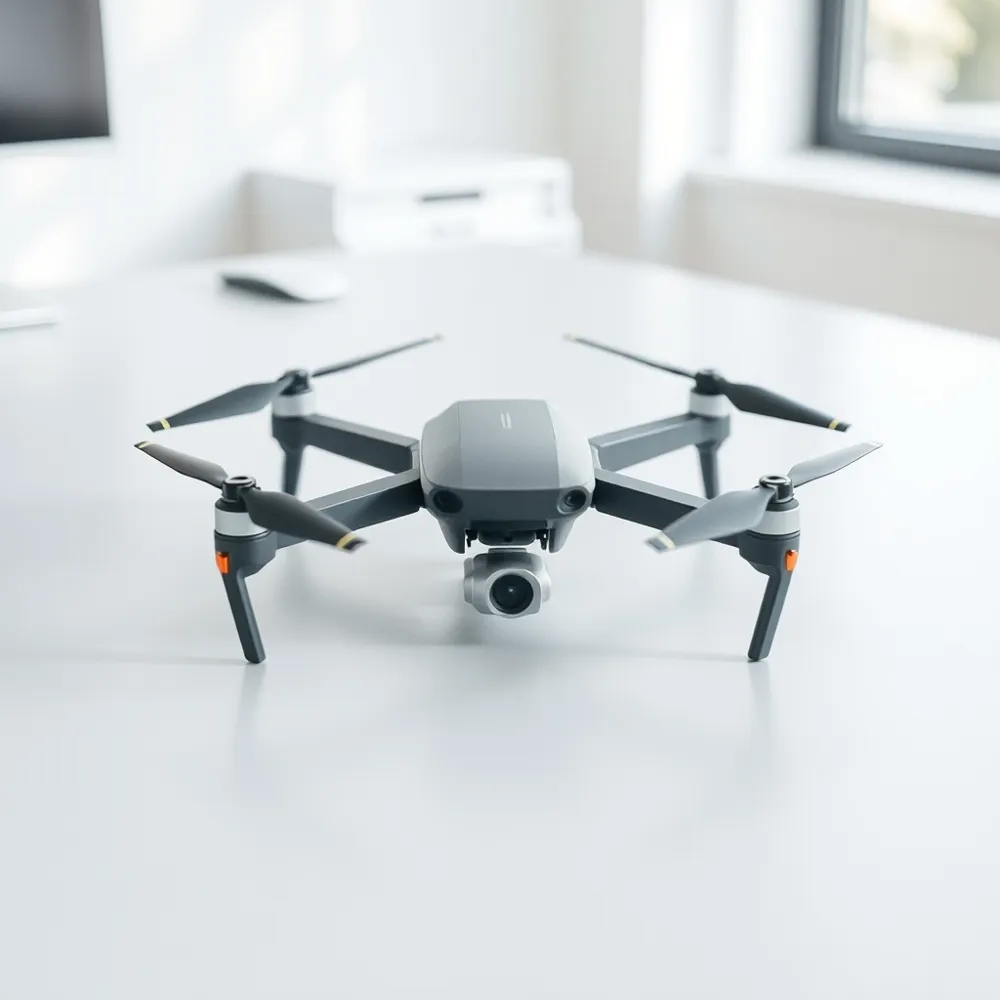
Keeping your device in top shape helps protect your investment. Whether you fly a budget-friendly essential series model from Tidesmit.com or a high-performance elite drone, following a consistent routine is the best way to ensure safety and longevity.
- Inspect the airframe, propellers, and motor mounts for any cracks, loose screws, or signs of wear before every launch.
- Check your batteries for physical damage, such as swelling or dents, and confirm they are properly charged according to standard drone maintenance practices.
- Gently wipe the camera lens and sensors with a clean microfiber cloth to ensure clear, high-quality images during your session.
- Verify that both your drone's firmware and the mobile application on your smartphone are updated to the latest versions to maintain system stability.
- Perform a quick hover test about 5 to 10 feet off the ground immediately after takeoff to confirm the drone is stable and responding correctly to your remote inputs.
Frequent mechanical failures are often preventable. Proactive checks help you identify issues like damaged propellers, which should be replaced every 50 to 100 flights per Flying Magazine. If you discover a significant mechanical problem or a software error that persists after an update, consult the manufacturer or a certified repair service to avoid warranty complications.
Clean Your Drone Safely Without Damage

Regular upkeep is the most effective way to ensure your tech performs reliably. Maintaining your drone from Tidesmit.com requires the same care you would give a high-end camera, especially when removing the dust and debris that accumulate after a flight. Professional drone maintenance tips emphasize that using the right tools, such as an air puffer or a soft-bristled brush, prevents abrasive particles from scratching sensitive surfaces or clogging internal cooling vents.
How should I clean my drone safely?
To clean your device safely, always power off the unit and remove the battery first. This simple step prevents accidental shorts if moisture reaches the internal electronics. Use an air puffer to dislodge loose grit from the frame and motor bays. For the camera lens, wipe gently using a clean microfiber cloth in concentric circles to avoid streaks. If you encounter stubborn oily smudges, apply a tiny amount of isopropyl alcohol or specialized lens fluid to the cloth rather than the lens itself. Never spray liquids directly onto the drone, as excessive moisture can damage delicate circuitry.
- Power down the device and disconnect the battery completely.
- Use a soft brush or compressed air to remove loose dust from vents and motors.
- Wipe the camera lens using a clean microfiber cloth in light, circular motions.
- Dampen your cloth slightly with isopropyl alcohol for greasy residue on non-optical parts.
- Ensure the entire body is completely dry before reinserting the battery and powering on.
Battery Care: Extend Life and Stay Safe

Managing your power sources is one of the most effective ways to preserve the longevity of your gear. Tidesmit customers often find that consistent maintenance saves money by reducing the frequency of replacement parts. Similar to industry-wide standards for lithium polymer batteries, which should be stored at approximately a 50% charge to prevent degradation, properly managing your cells is a fundamental skill for every pilot.
What are the best practices for drone battery care and storage?
To keep your drone batteries in top shape, always store them at a 40–60% charge level rather than a full or empty state, as extreme levels can cause permanent damage. If your batteries are not in regular use, remember to charge and discharge them roughly every three months to maintain their health. Temperature matters significantly, so keep your batteries in a cool, dry place away from direct sunlight or extreme heat.
Safety remains the highest priority during the charging process. Never leave batteries unattended while charging, and consider using a fireproof bag for an added layer of protection. Always inspect your battery packs for any signs of physical swelling, dents, or leaks before every flight. By following these maintenance steps, you can extend your battery life and ensure safer, more reliable flight performance.
How Often to Perform Each Maintenance Task
Establishing a routine is essential for keeping your equipment reliable, whether you are using entry-level models or advanced performance gear from Tidesmit.com. By tracking your usage in a formal maintenance log, you gain a clear view of when your drone requires specific interventions, preventing minor issues from becoming costly repairs.
How often should I perform maintenance on my drone?
To keep your drone in peak condition, prioritize thorough pre- and post-flight inspections every time you fly. These quick checks help you spot wear that occurs during operation, such as debris in the motors or hairline cracks in the chassis. Consistent monitoring is the most effective way to avoid mid-air failures, which are frequently caused by ignored mechanical wear.
- Replace propellers every 50 to 100 flights, or immediately if you notice chips, warping, or other signs of damage.
- Perform a full charge and discharge cycle on your batteries every 3 months for stored units, or every 10 to 20 cycles for active users, to maintain optimal cell health.
- Schedule a professional service check every 3 to 6 months if you are using your drone for frequent commercial missions to ensure all flight systems meet safety standards.
- Maintain a dedicated maintenance log to track total flight time and the date of every inspection, which helps you stay consistent with service intervals.
While some competitors might suggest complex, proprietary service schedules, Tidesmit.com focuses on simple, reliable maintenance that extends the life of your purchase without excessive downtime. Keeping up with these intervals ensures that every flight is as stable and secure as your very first takeoff.
Firmware Updates and Proper Storage
Keeping your drone software current is just as important as physical maintenance. You should regularly update the firmware for your flight controller, remote controller, and batteries using the official manufacturer application. These updates are critical for system stability, flight safety, and accessing new performance features. By sticking to official apps, you ensure that you receive the latest bug fixes and security patches intended for your specific device.
Proper storage protects your gear when you are not in the air. For long-term preservation, keep your drone in a padded case within a cool, dry environment, ideally between 15 and 25°C. At Tidesmit.com, we encourage customers to use protective cases to shield sensitive electronics from dust and moisture. During transport, always remove the propellers or secure them with dedicated holders to prevent accidental damage. Additionally, engaging the gimbal lock protects delicate camera components from vibrations during travel.
Battery safety is a component of proper storage that often gets overlooked. When traveling, store your batteries in a fireproof LiPo bag to mitigate potential hazards and ensure compliance with safety regulations. Taking these simple steps helps maintain the longevity of your equipment, ensuring your investment remains reliable for every future flight.
Essential Tips for First-Time Drone Pilots
Starting your journey as a drone pilot is an exciting way to capture new perspectives or improve your professional service offerings. Whether you have purchased an entry-level essential series model or a performance-grade device from Tidesmit.com, success begins on the ground. Before your first takeoff, dedicate time to mastering a pre-flight checklist to ensure your equipment is in peak condition. Checking propeller integrity and battery levels prevents many common mid-air failures that beginners often face.
What are the most essential tips for beginner drone pilots?
Select a wide-open space away from crowds and obstacles to practice your initial flights. Maintaining a clear visual line of sight is not only a safety requirement but also the best way to develop your spatial awareness. Spend your first few sessions performing simple tasks like hovering and slow rotations. These foundational maneuvers build the muscle memory required for more complex photography or mapping later on.
- Research your local airspace and registration requirements to ensure full compliance before your first flight.
- Take time to study your controller settings, specifically the return-to-home and emergency stop features, so they become second nature.
- Avoid flying in adverse weather, as high winds or moisture can overwhelm beginner-friendly drones and lead to lost control.
- Log your flight times and maintenance intervals to keep your gear reliable, as proactive care is the best drone maintenance strategy.
Safety and confidence go hand in hand. By familiarizing yourself with the specific handling characteristics of your Tidesmit unit, you eliminate the stress often associated with initial flights. Proper preparation ensures that your tech remains a long-term asset for your business or personal hobby rather than a one-time experiment.
Fly Confident, Fly Long
Consistency is the best tool for protecting your gear. By following the simple pre-flight inspection routines covered in this guide, you significantly reduce the risk of mid-air mechanical failures and extend the operational life of your equipment. Taking just a few minutes to check your propellers or battery status before takeoff prevents costly repairs and keeps you flying safely.
We encourage you to bookmark this article and keep it accessible for a quick refresher before each session. Whether you use an entry-level essential model or a high-performance device from Tidesmit.com, these habits ensure your tech remains reliable and ready. At Tidesmit, we are dedicated to providing affordable, high-quality electronics that serve your needs today and in the long run. By prioritizing proactive care, you ensure that every flight is as smooth and productive as the first.